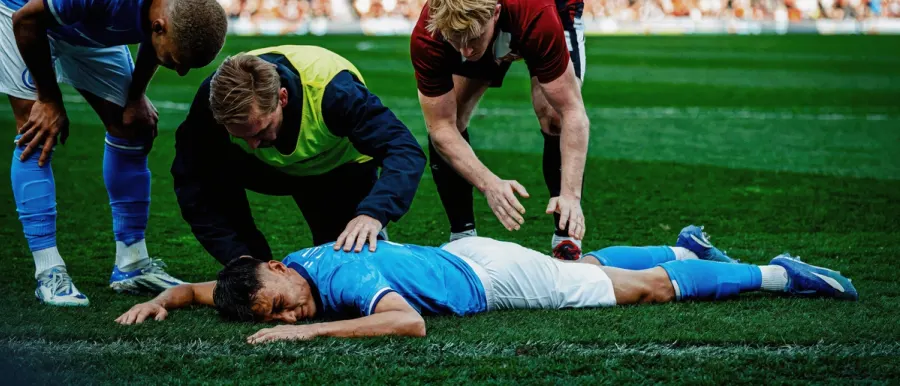
Photorealistic Example 1
Use a real camera style, a main subject, an observable setting, and one believable lighting condition.
AI Image Prompt Gallery
Use this Uni-1 Prompt Guide to find copy-ready Uni-1 image prompts, compare visual styles, preview real showcase references, copy a prompt, and start creating faster.
60 prompts · 6 categories · 1-click copy prompts
Choose a category, search a style, then copy the prompt template from any card. Each image comes from our R2-hosted UNI-1 reference set.
Showing 24 / 60 prompts · All
Photorealistic Example 1
Use a real camera style, a main subject, an observable setting, and one believable lighting condition.
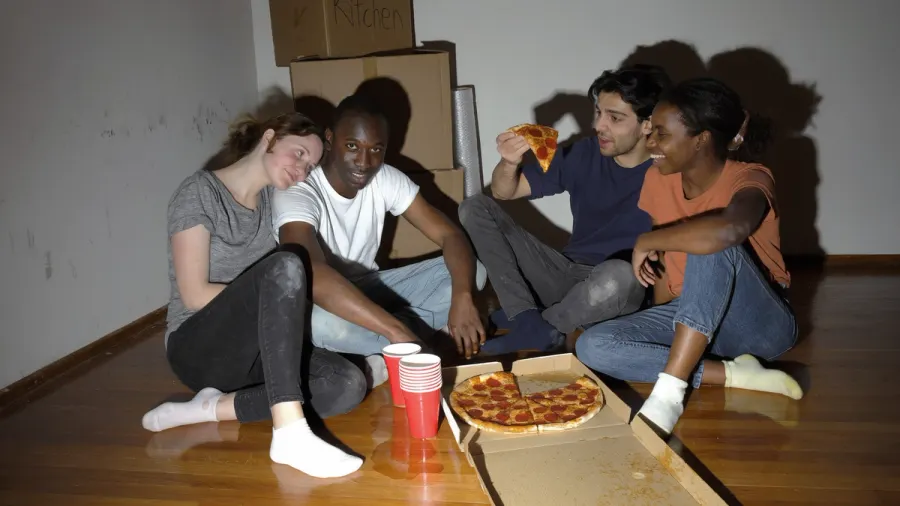
Photorealistic Example 2
Use a real camera style, a main subject, an observable setting, and one believable lighting condition.
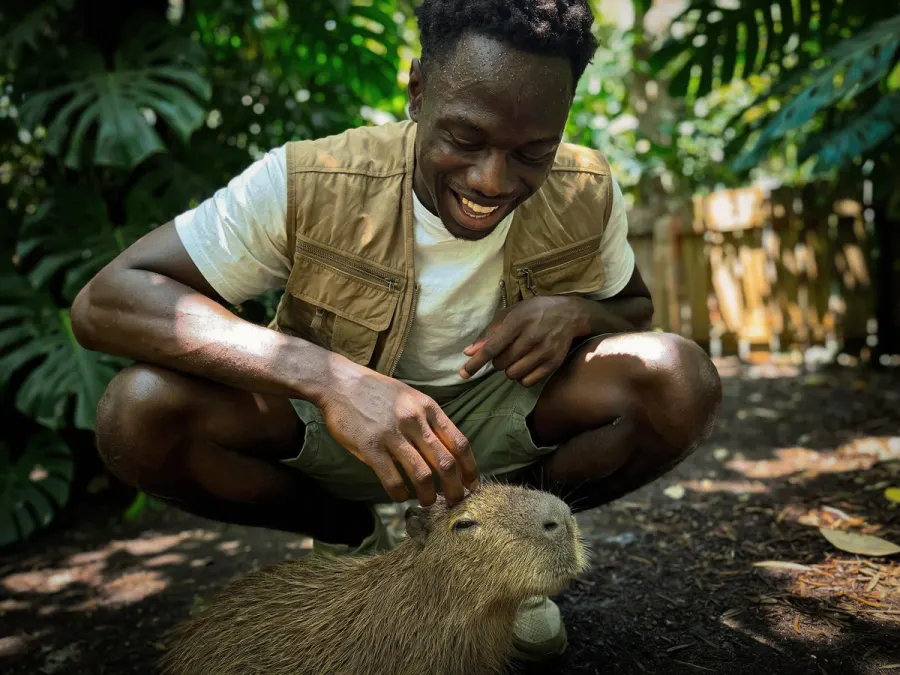
Photorealistic Example 3
Use a real camera style, a main subject, an observable setting, and one believable lighting condition.
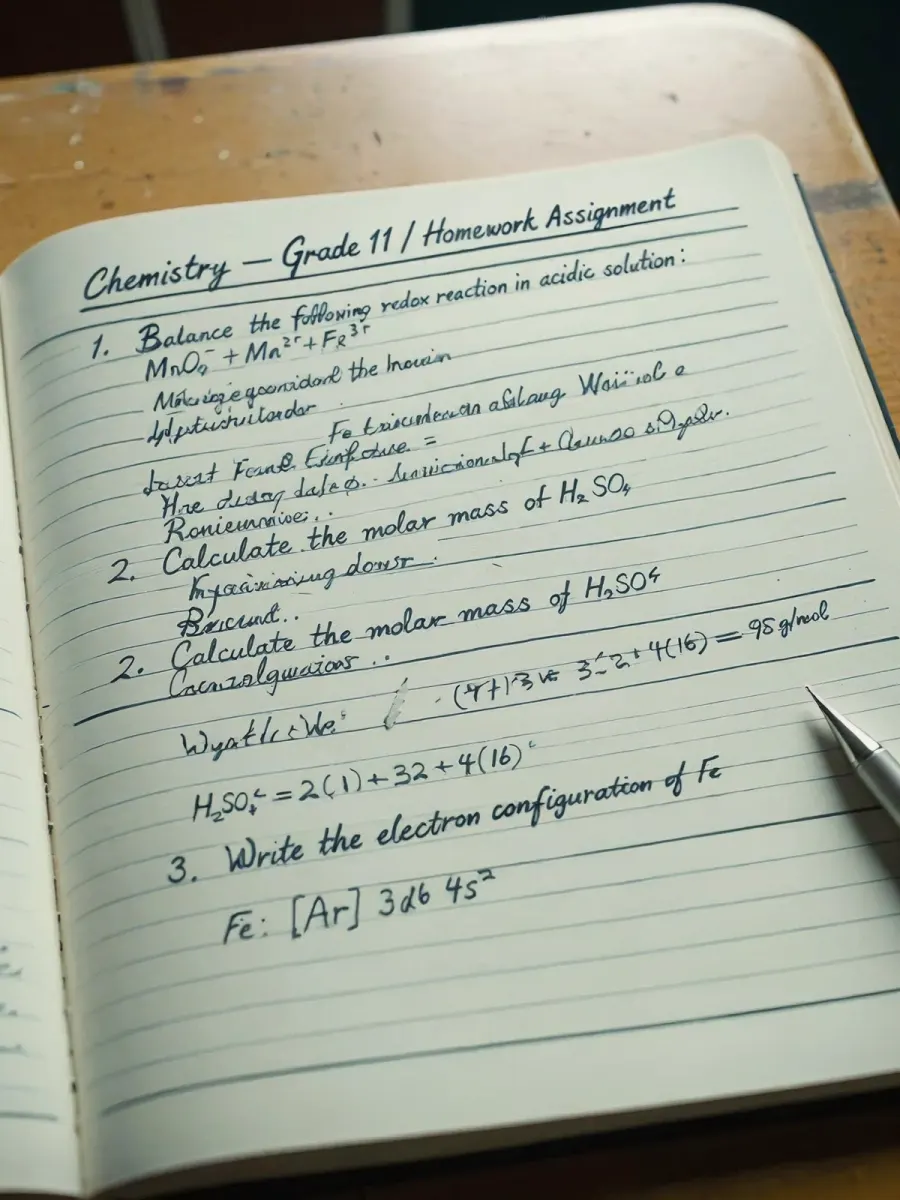
Photorealistic Example 4
Use a real camera style, a main subject, an observable setting, and one believable lighting condition.
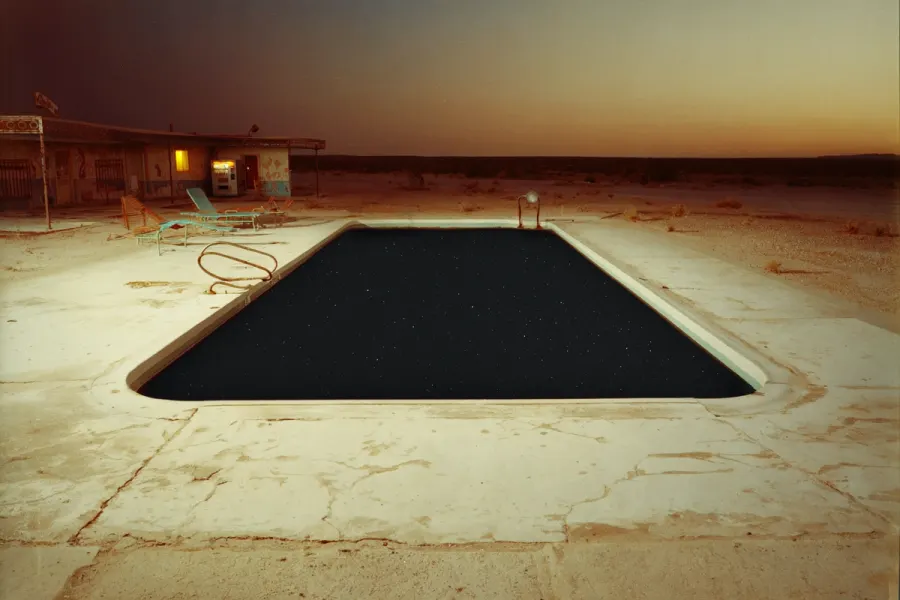
Cinematic Example 1
Name the cinematic frame, the environment scale, the light direction, and the emotional beat.
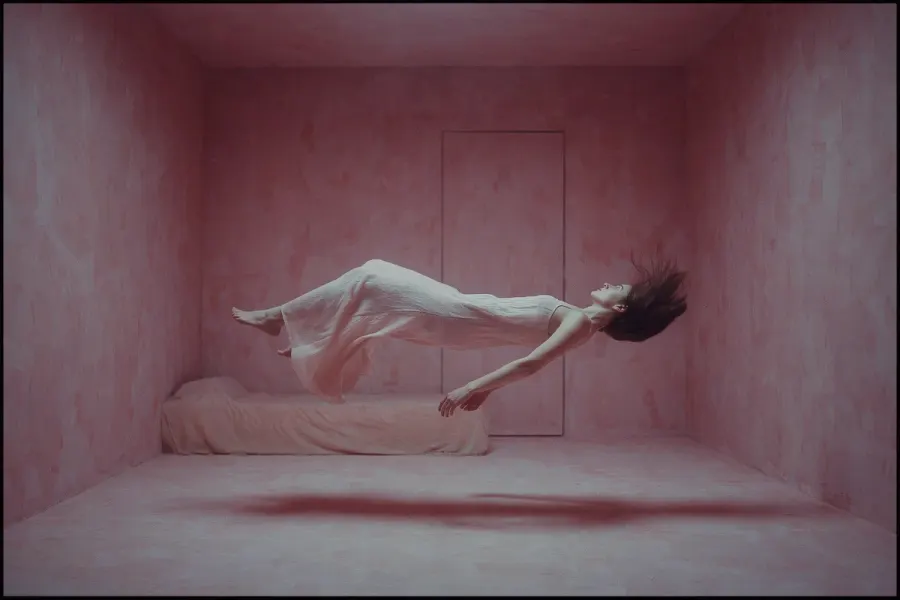
Cinematic Example 2
Name the cinematic frame, the environment scale, the light direction, and the emotional beat.
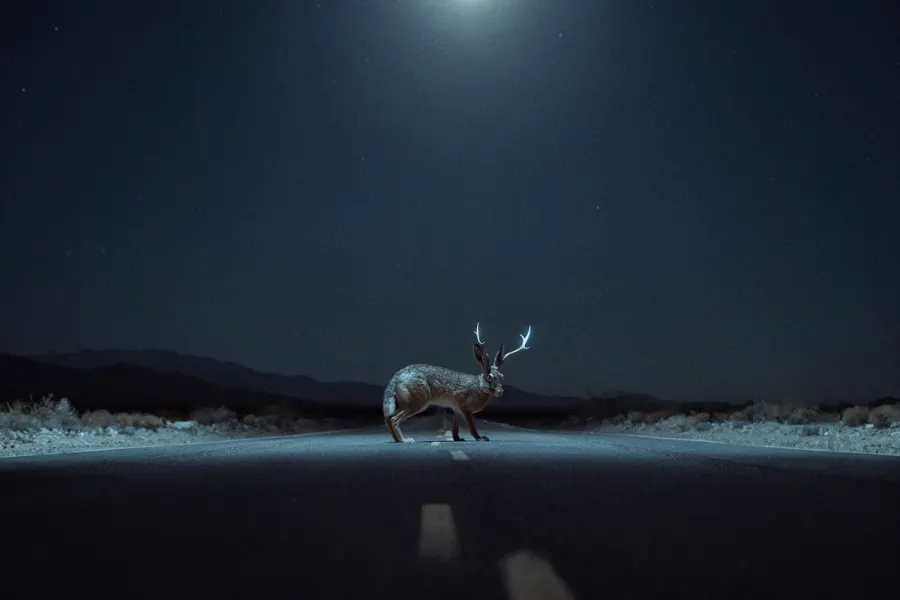
Cinematic Example 3
Name the cinematic frame, the environment scale, the light direction, and the emotional beat.
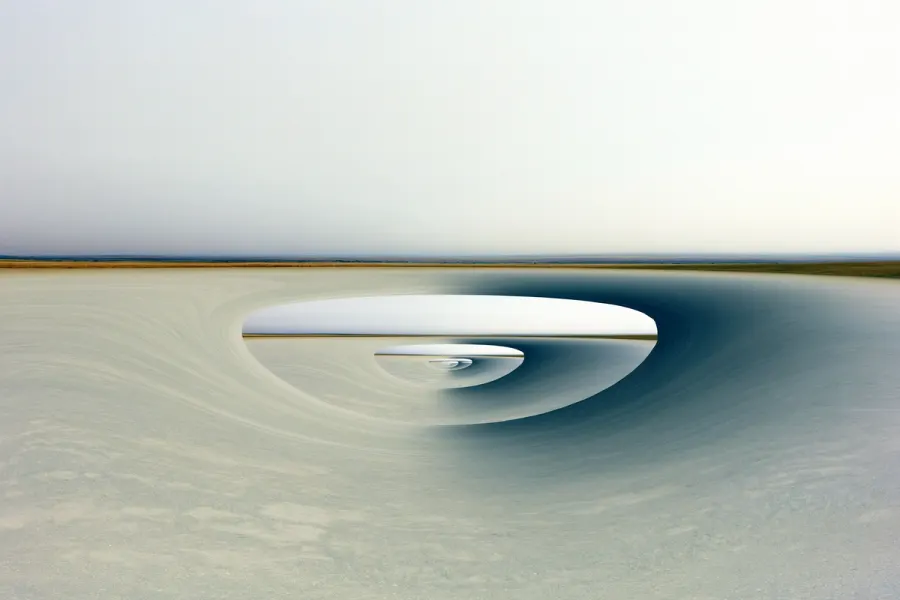
Cinematic Example 4
Name the cinematic frame, the environment scale, the light direction, and the emotional beat.
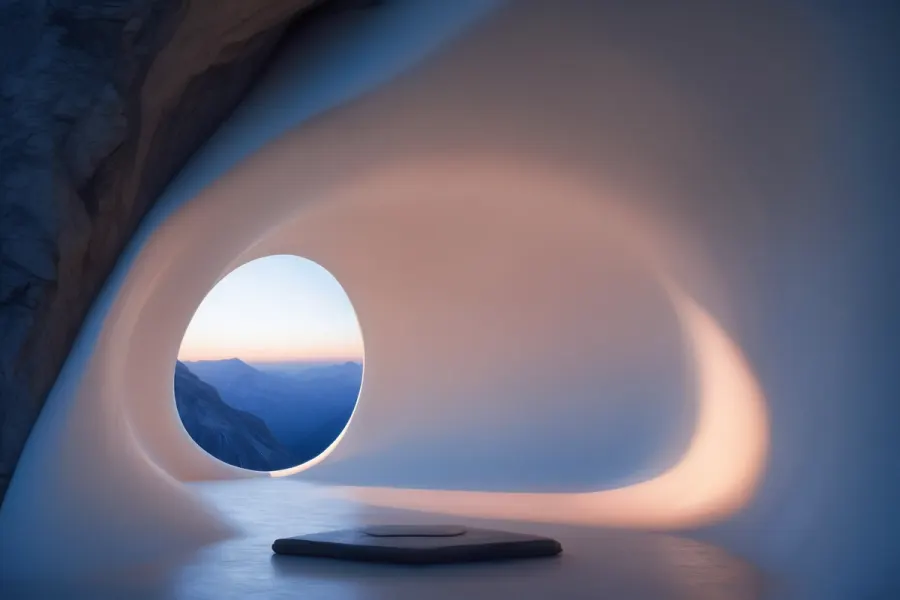
Fantasy & Concept Art Example 1
Define the world, the architecture or creature logic, the lighting system, and the concept-art finish.
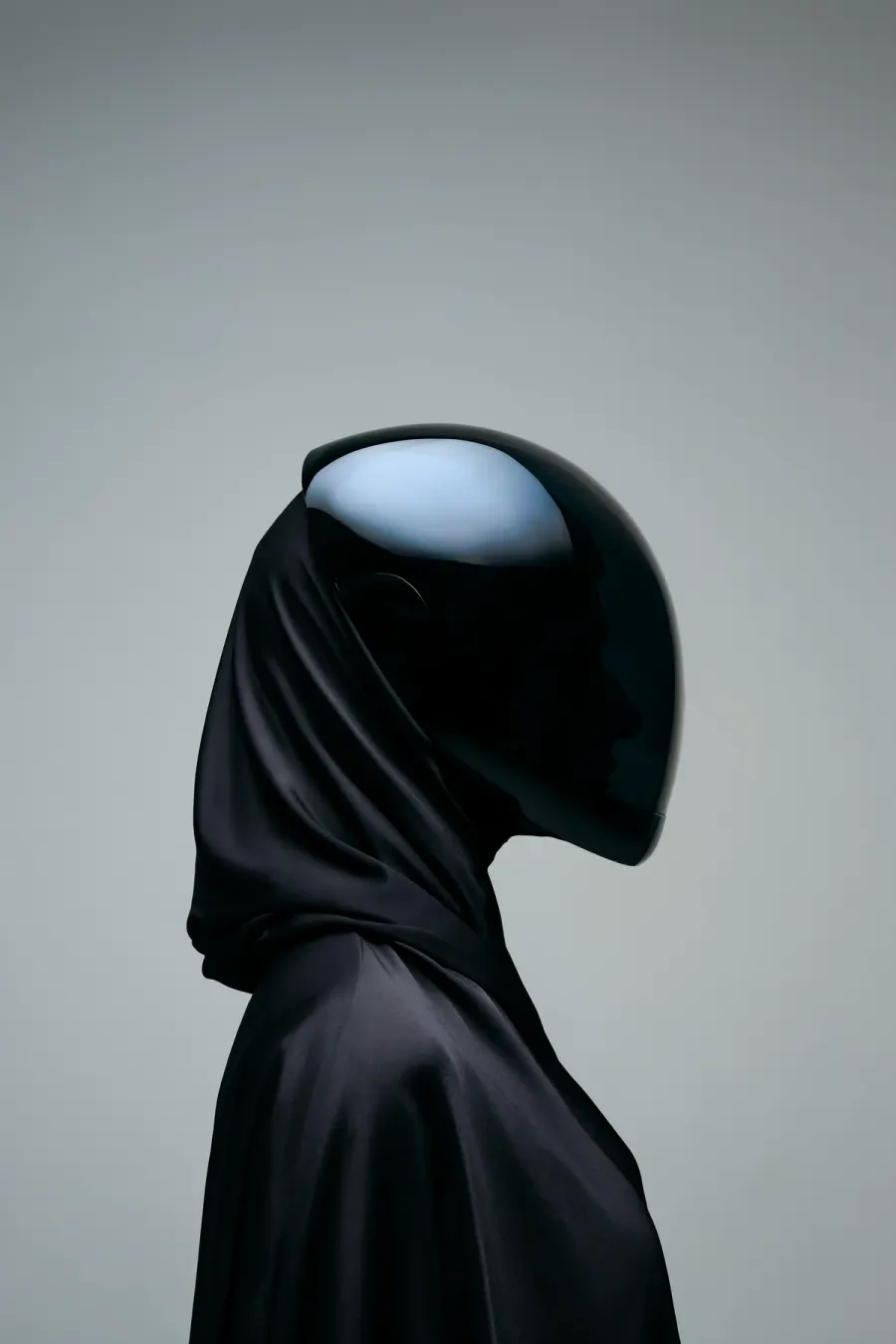
Fantasy & Concept Art Example 2
Define the world, the architecture or creature logic, the lighting system, and the concept-art finish.
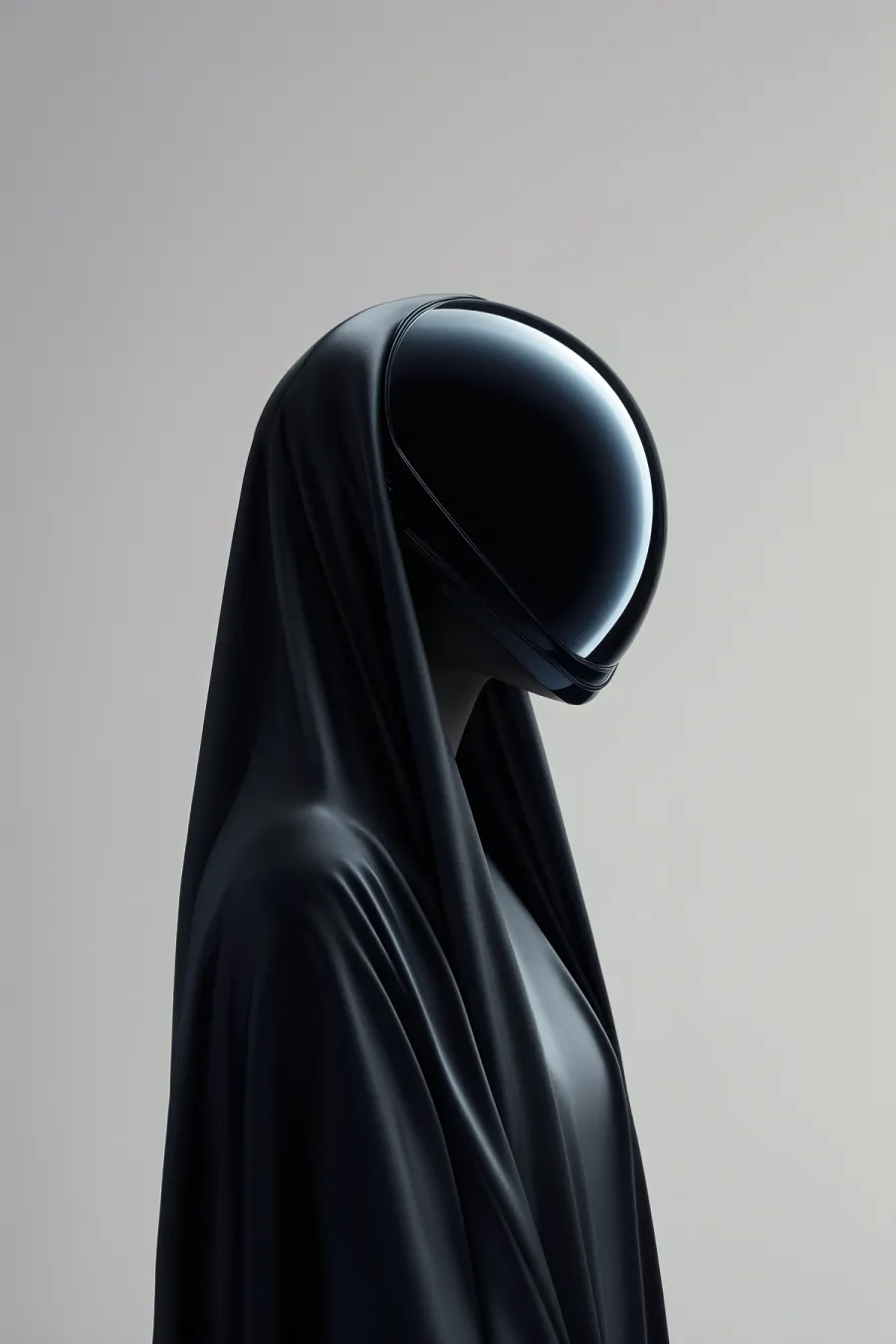
Fantasy & Concept Art Example 3
Define the world, the architecture or creature logic, the lighting system, and the concept-art finish.
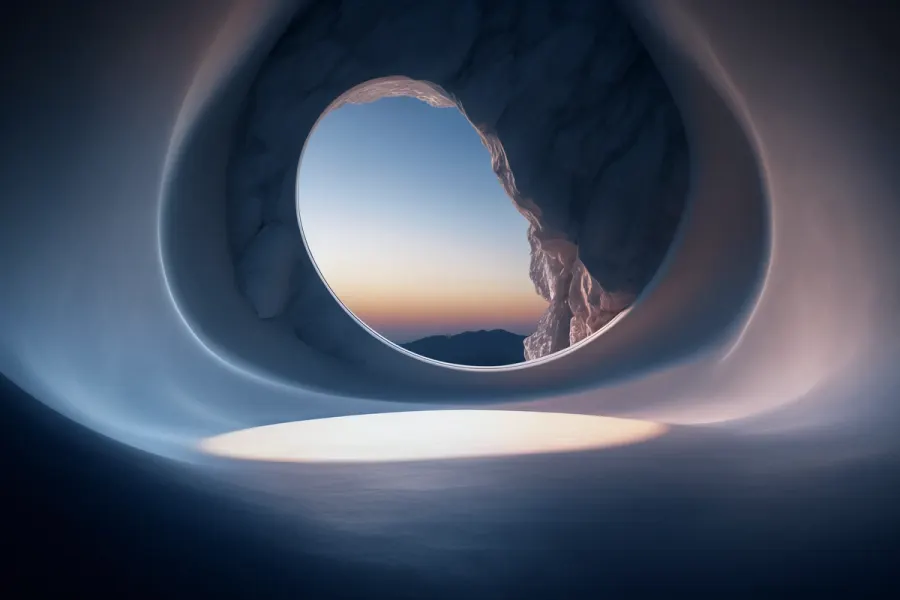
Fantasy & Concept Art Example 4
Define the world, the architecture or creature logic, the lighting system, and the concept-art finish.
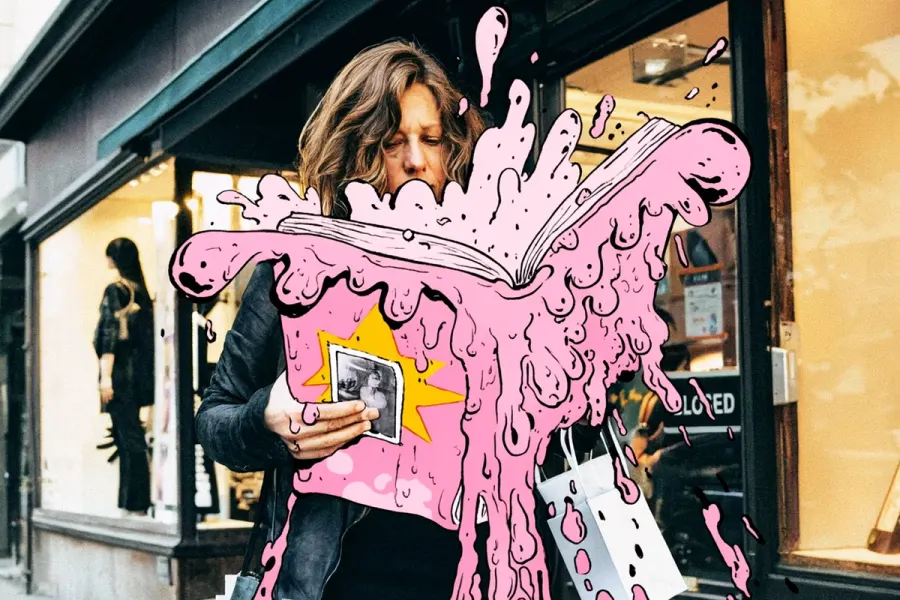
Illustration Example 1
Lock the crop, surface, drawing medium, palette, and the one detail the viewer should notice first.
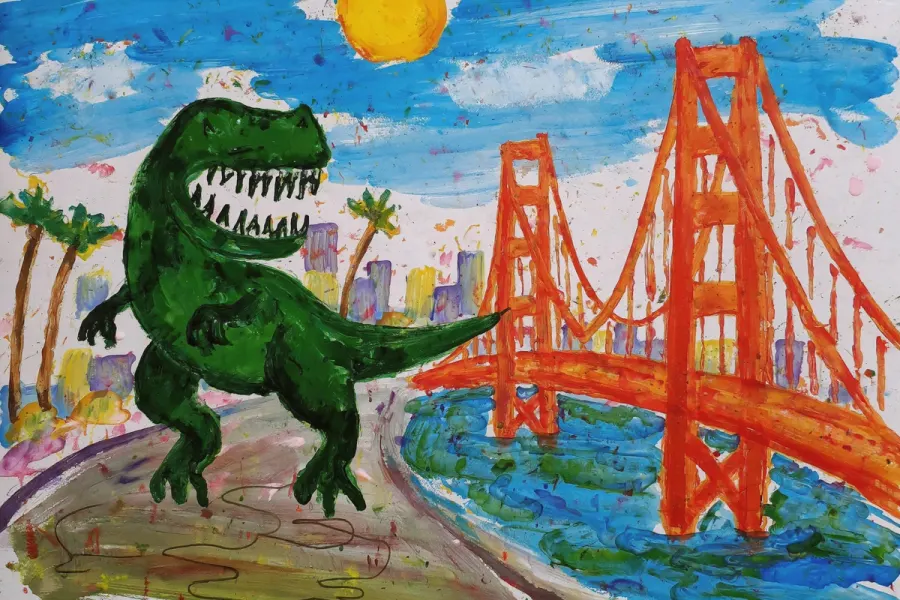
Illustration Example 2
Lock the crop, surface, drawing medium, palette, and the one detail the viewer should notice first.
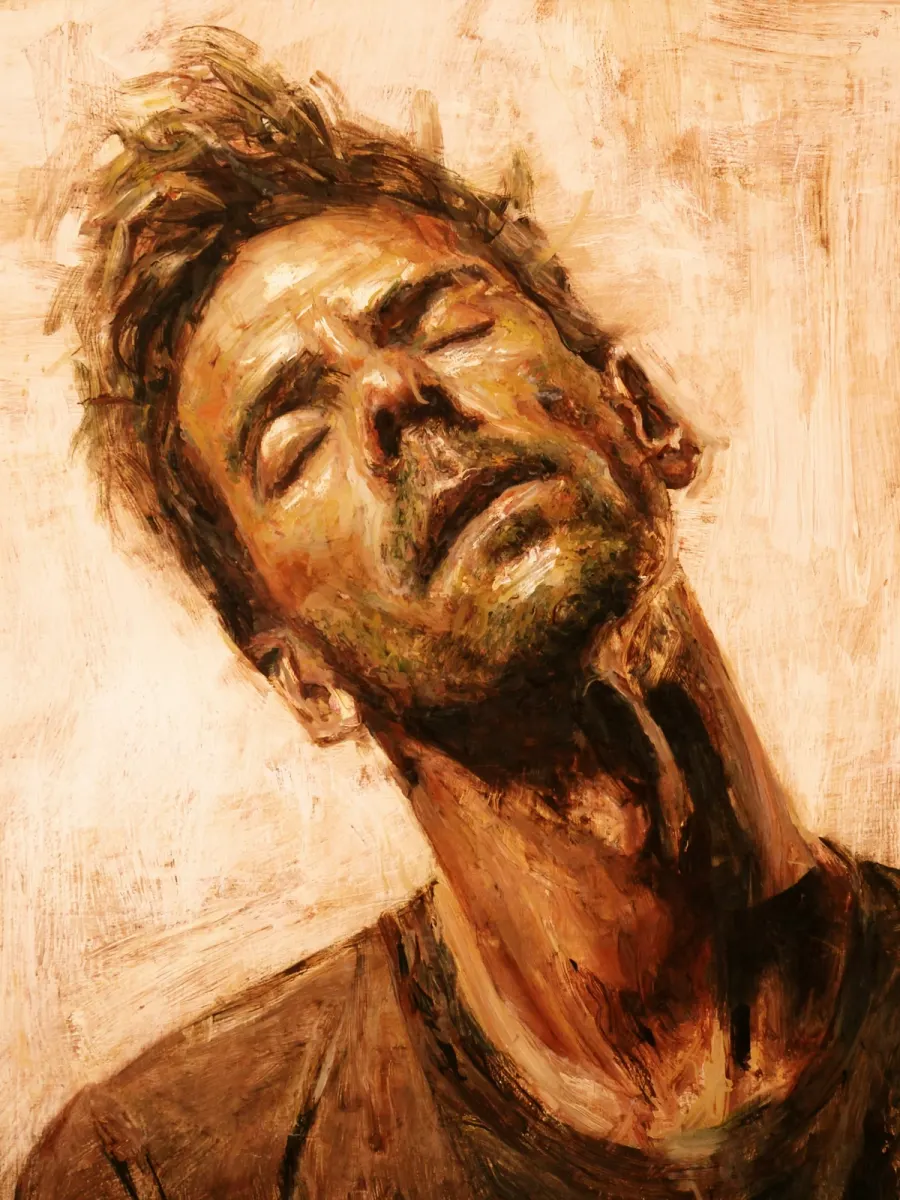
Illustration Example 3
Lock the crop, surface, drawing medium, palette, and the one detail the viewer should notice first.
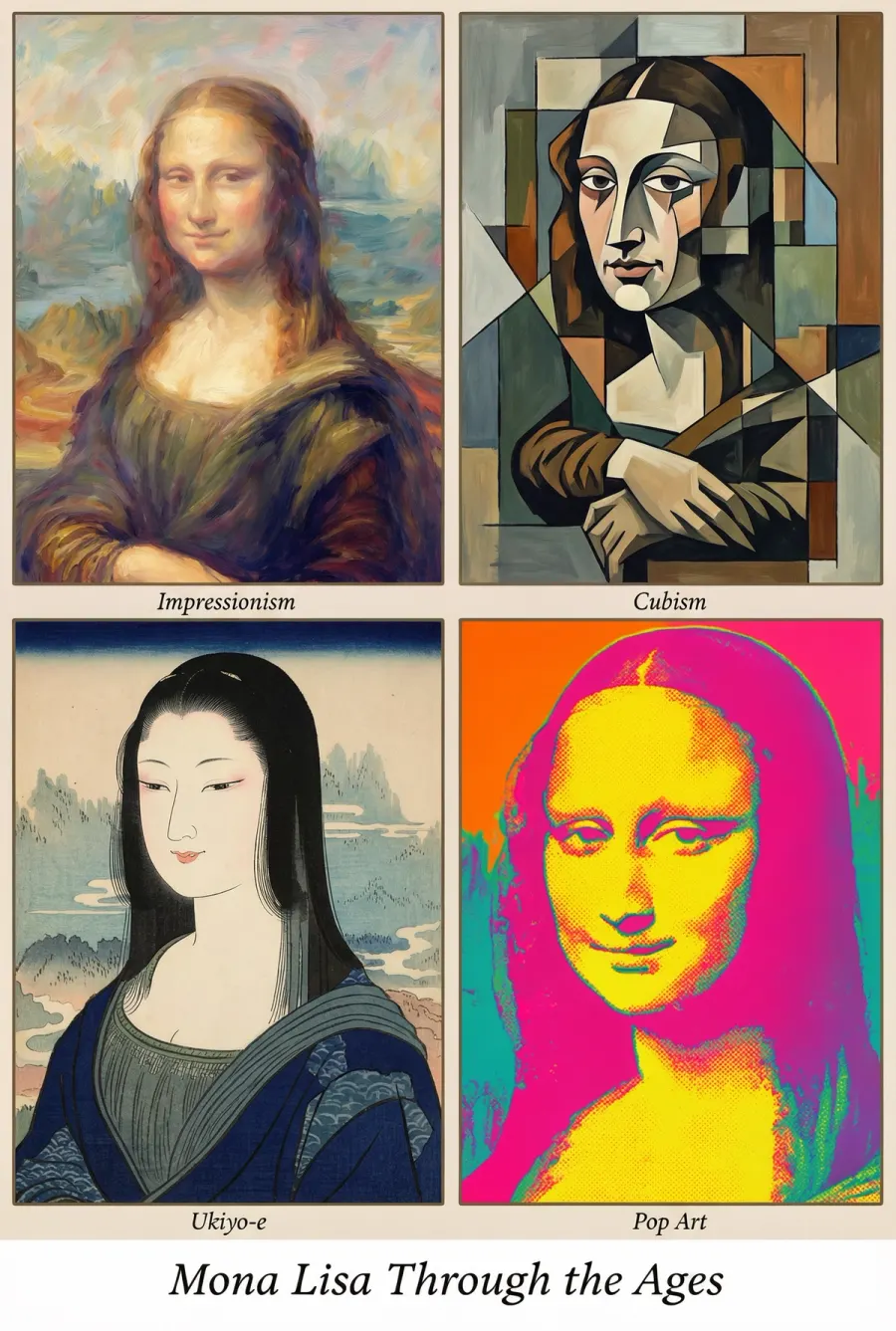
Illustration Example 4
Lock the crop, surface, drawing medium, palette, and the one detail the viewer should notice first.
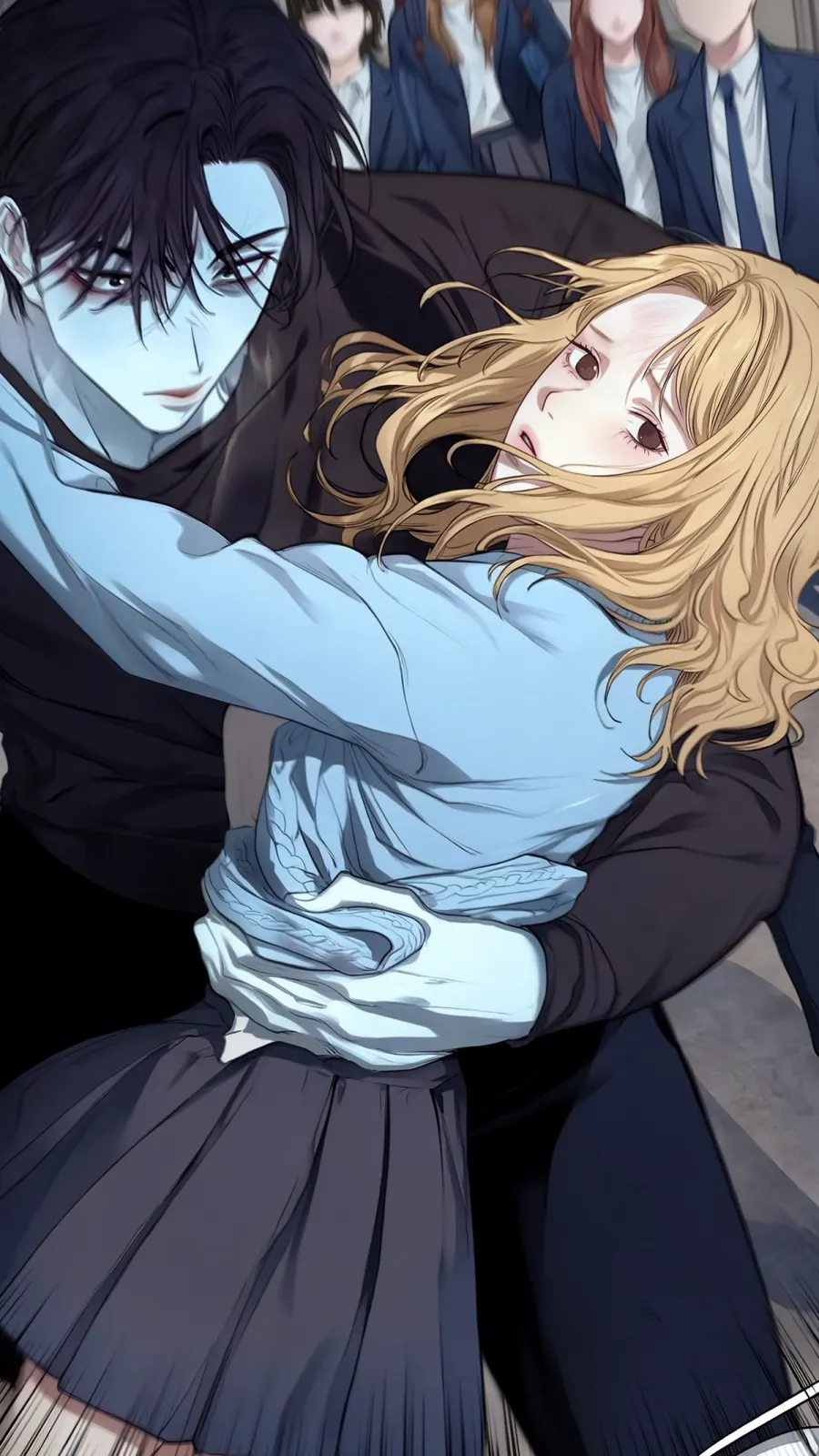
Anime & Manga Example 1
Reference the character role, shot size, emotion, scene relationship, and visual style constraints.
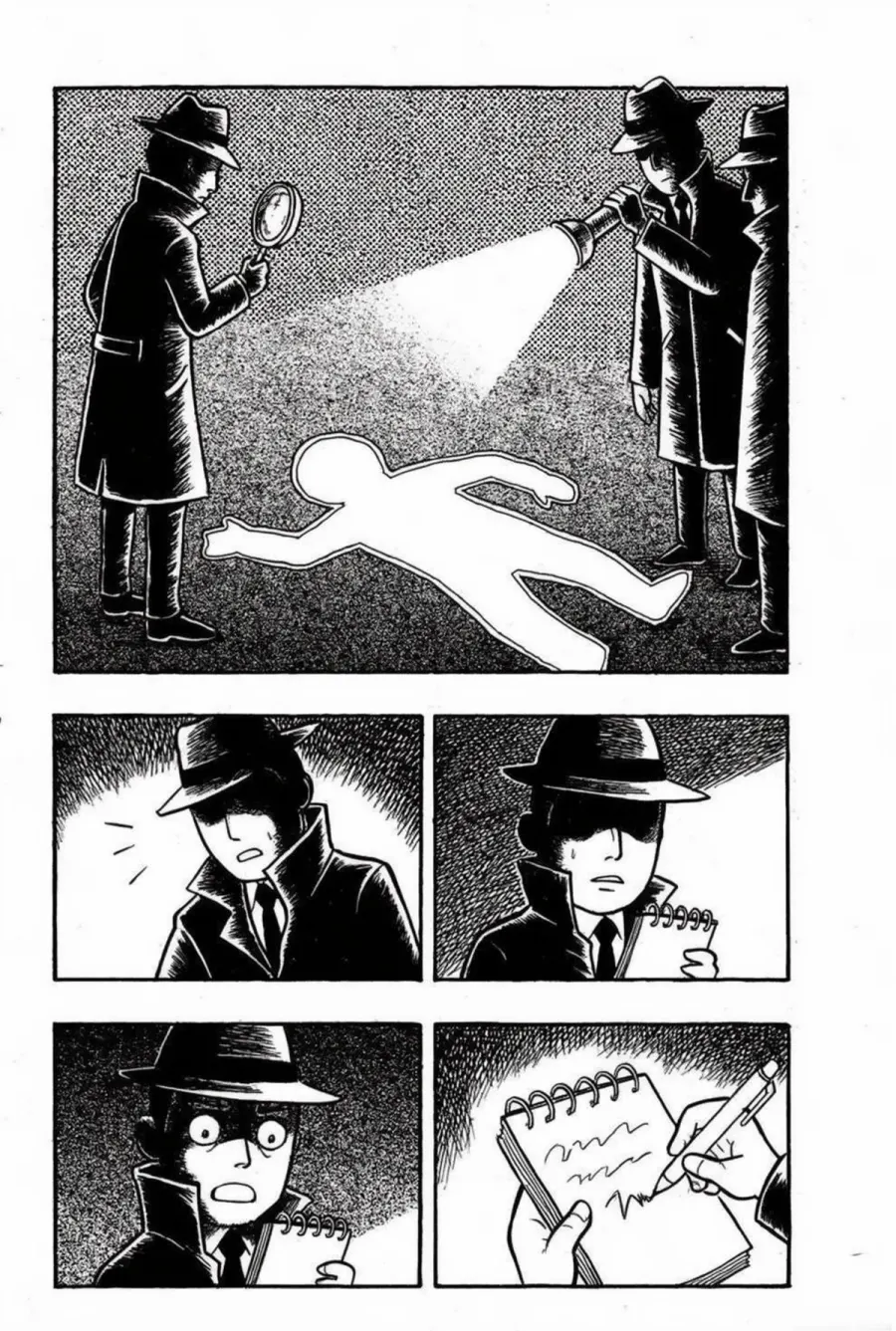
Anime & Manga Example 2
Reference the character role, shot size, emotion, scene relationship, and visual style constraints.
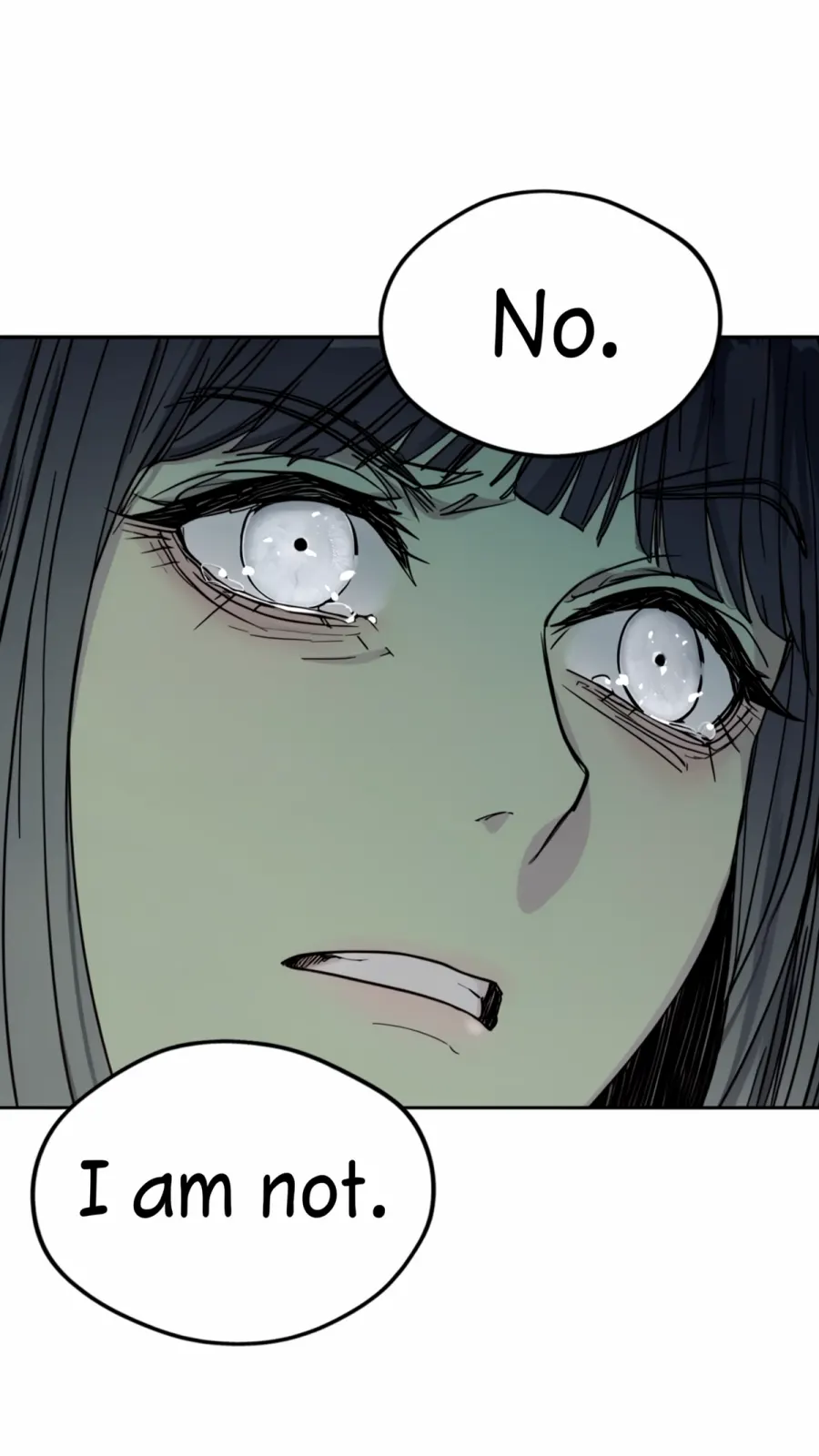
Anime & Manga Example 3
Reference the character role, shot size, emotion, scene relationship, and visual style constraints.
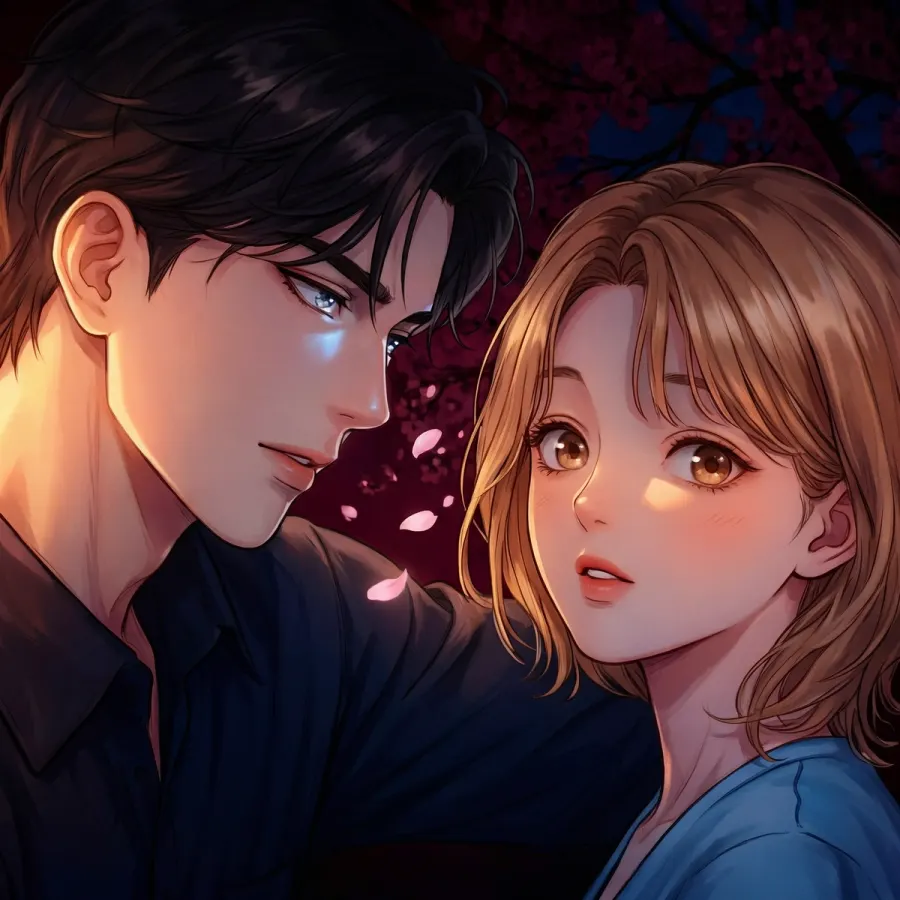
Anime & Manga Example 4
Reference the character role, shot size, emotion, scene relationship, and visual style constraints.
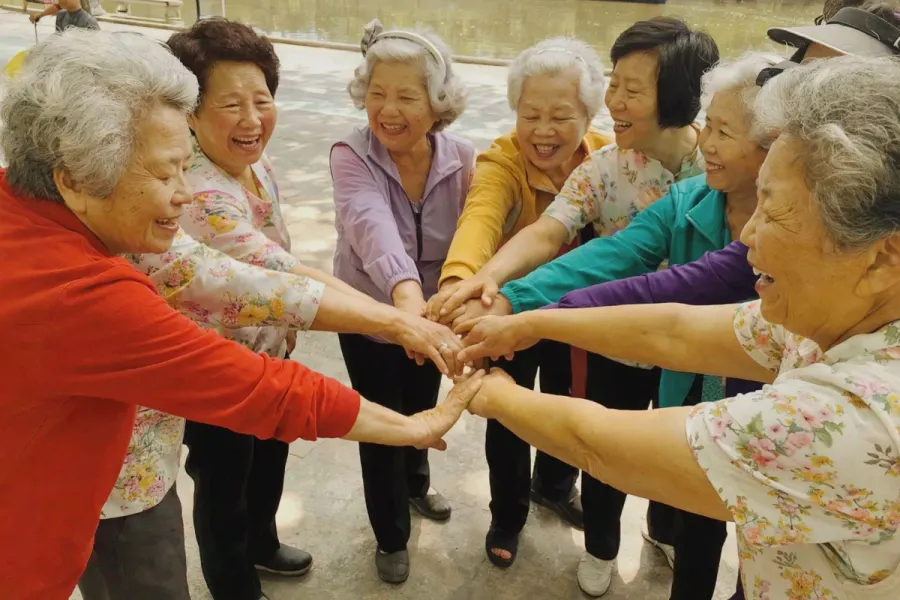
Portrait Example 1
Specify the person, facial expression, camera distance, wardrobe, location, and lighting mood.
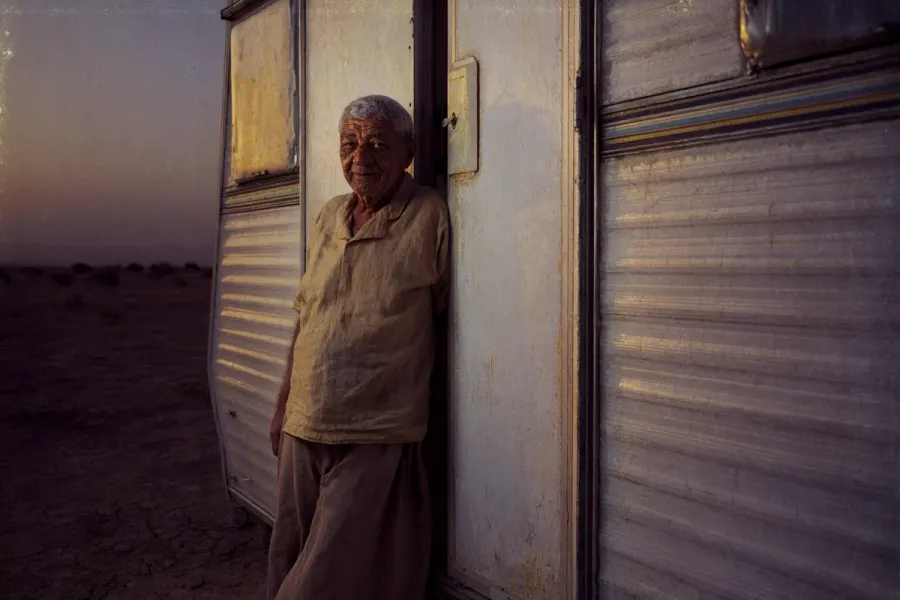
Portrait Example 2
Specify the person, facial expression, camera distance, wardrobe, location, and lighting mood.
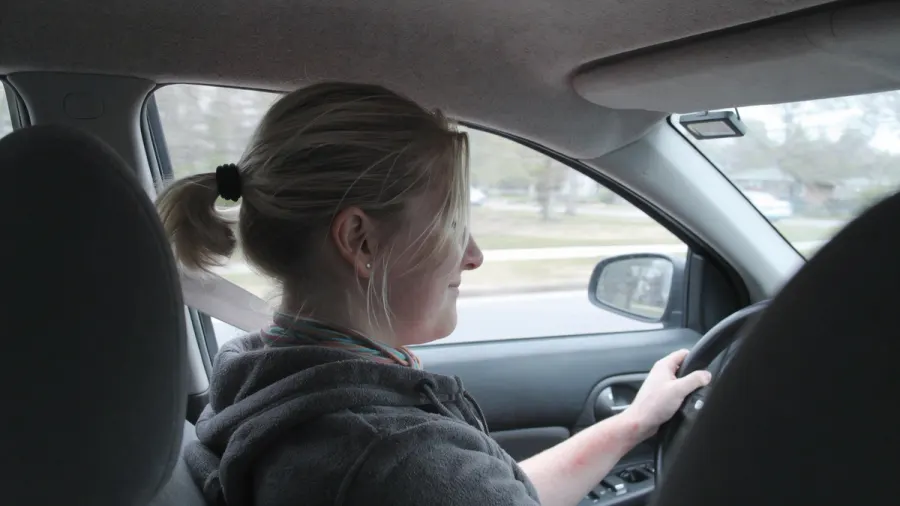
Portrait Example 3
Specify the person, facial expression, camera distance, wardrobe, location, and lighting mood.
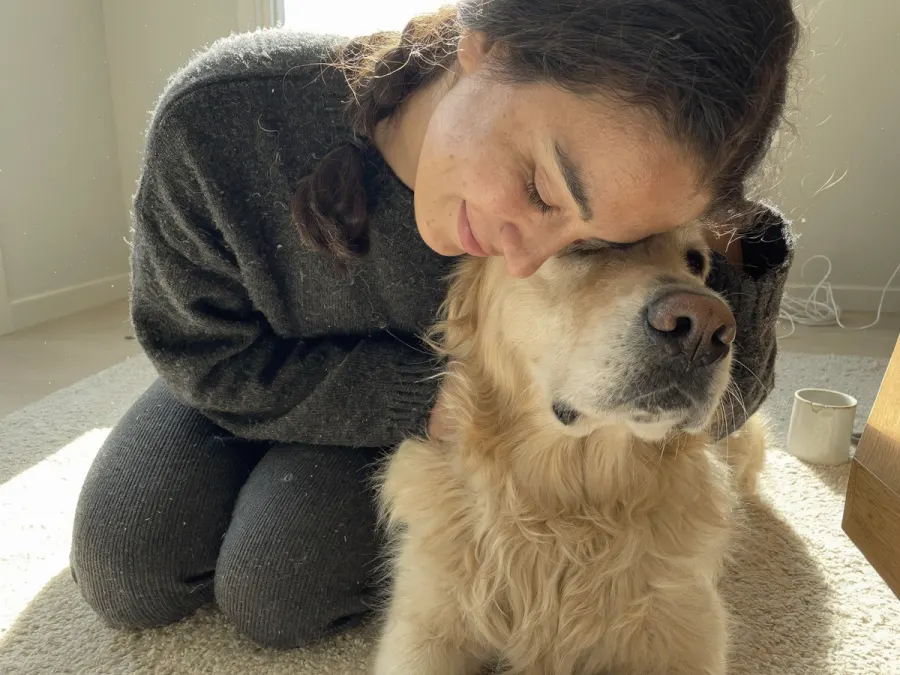
Portrait Example 4
Specify the person, facial expression, camera distance, wardrobe, location, and lighting mood.
This Uni-1 Prompt Guide is for quick prompt selection: browse the image style, copy the closest template, then replace the subject and scene.
Use the Uni-1 Prompt Guide for product shots, portraits, cinematic frames, anime images, concept art, social visuals, and image-to-image edits without starting from a blank prompt box.
Uni-1 Prompt Guide examples follow a simple order: subject, scene, composition, lighting, style, and constraints.
In the Uni-1 Prompt Guide, pick a visual direction, copy the closest Uni-1 prompt, then replace the bracketed subject and scene before generating.
01
Start with the style that matches your intent: photorealistic, cinematic, concept art, illustration, anime, or portrait.
02
Use the copy button on a card and keep the composition, lighting, and medium instructions that matter.
03
Replace the placeholders with your subject, then open the Uni-1.1 generator and create the image.
The Uni-1 Prompt Guide turns a visual idea into a copy-ready prompt with subject, scene, lighting, style, and constraints.
Yes. In the Uni-1 Prompt Guide, copy a template, then add what should stay unchanged, such as identity, product shape, layout, or logo placement.
Copy one prompt from the Uni-1 Prompt Guide, swap in your subject and scene, then open the Uni-1.1 generator to create the result.