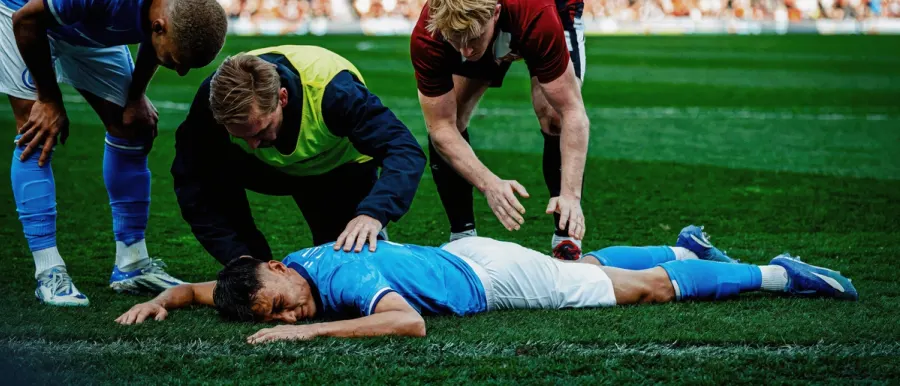
Photorealistic Example 1
Use a real camera style, a main subject, an observable setting, and one believable lighting condition.
AI 图片提示词图库
使用这个 Uni-1 Prompt Guide 发现可直接改写的 Uni-1 图片提示词。按风格筛选,预览真实参考图,一键复制提示词,然后开始生成。
60 提示词 · 6 分类 · 一键 复制提示词
选择分类或搜索风格,然后从卡片里复制提示词模板。每张图片都来自我们托管在 R2 的 UNI-1 参考素材。
正在显示 24 / 60 个提示词 · 全部
Photorealistic Example 1
Use a real camera style, a main subject, an observable setting, and one believable lighting condition.
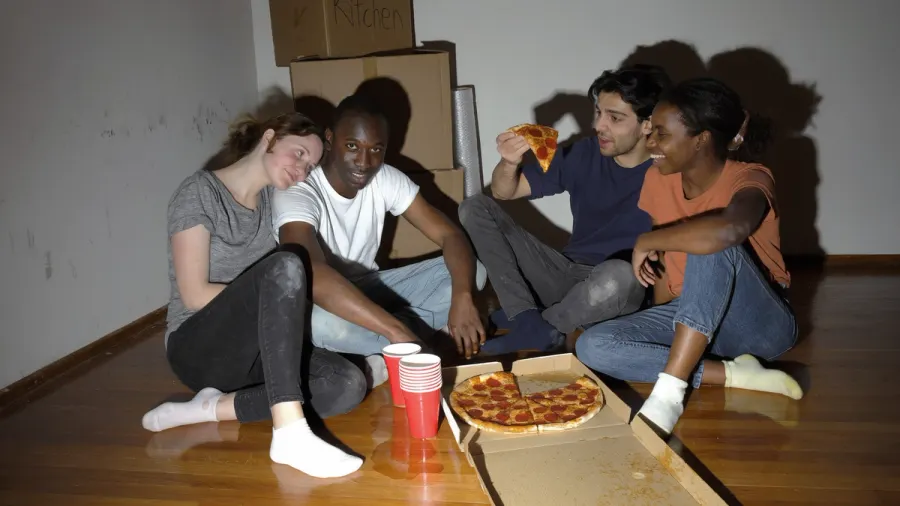
Photorealistic Example 2
Use a real camera style, a main subject, an observable setting, and one believable lighting condition.
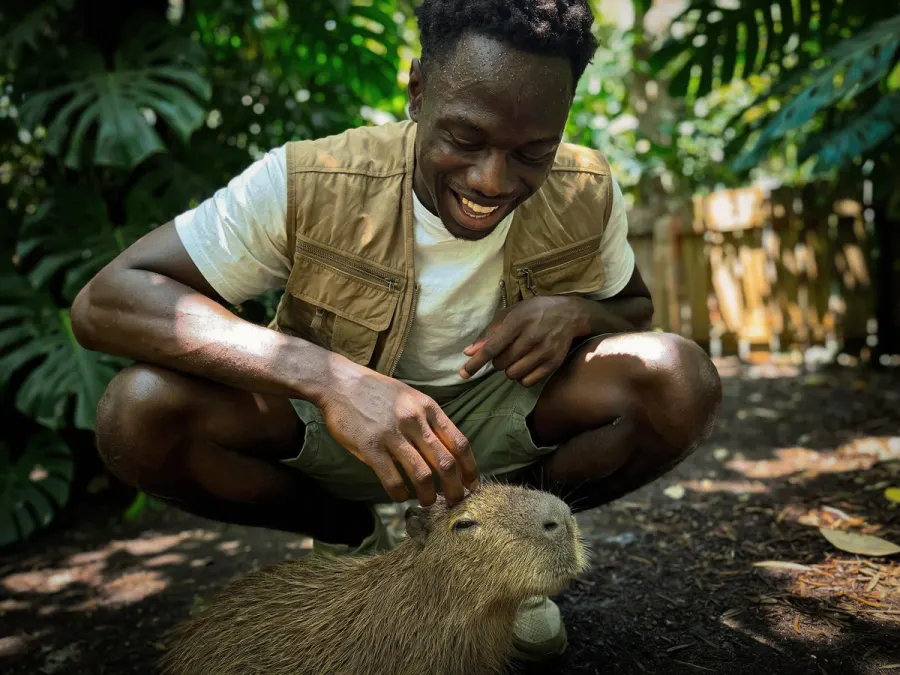
Photorealistic Example 3
Use a real camera style, a main subject, an observable setting, and one believable lighting condition.
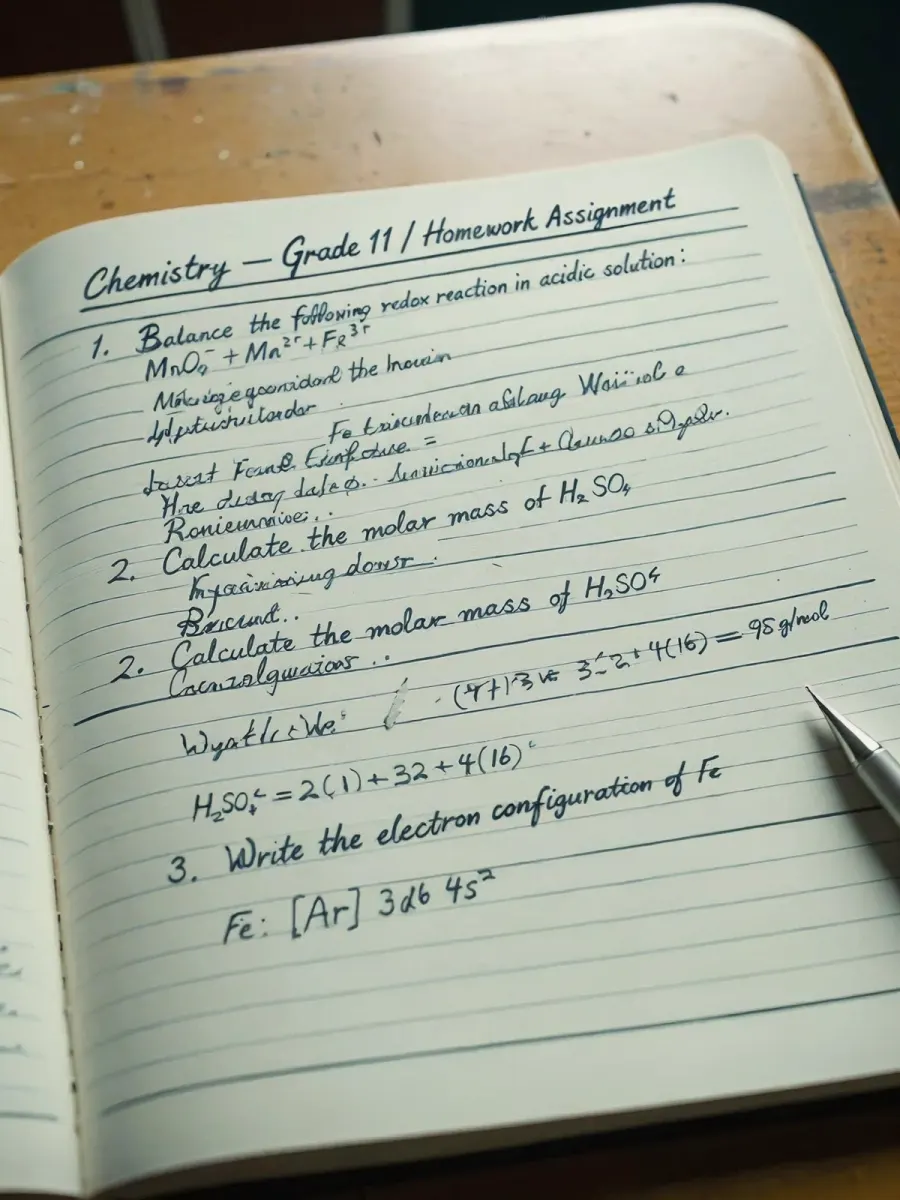
Photorealistic Example 4
Use a real camera style, a main subject, an observable setting, and one believable lighting condition.
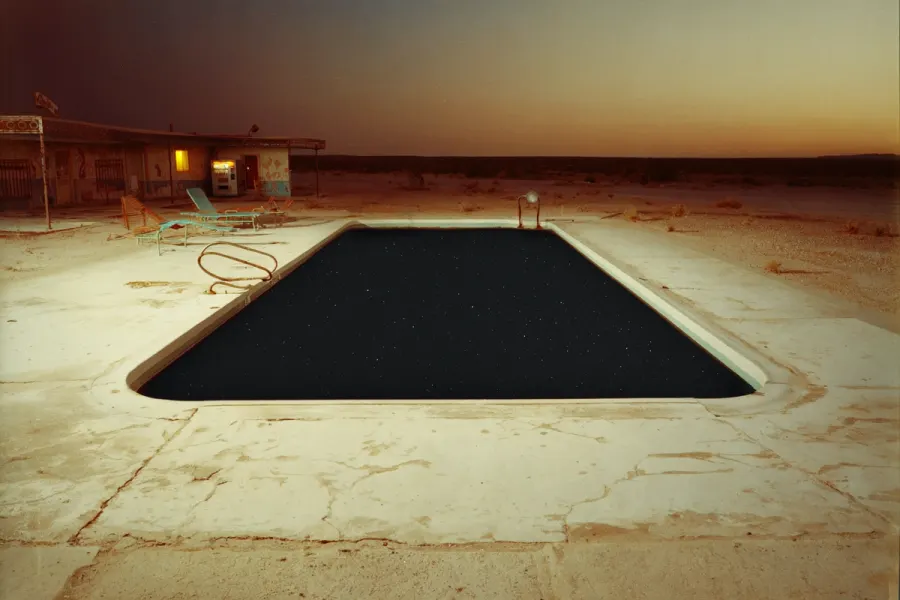
Cinematic Example 1
Name the cinematic frame, the environment scale, the light direction, and the emotional beat.
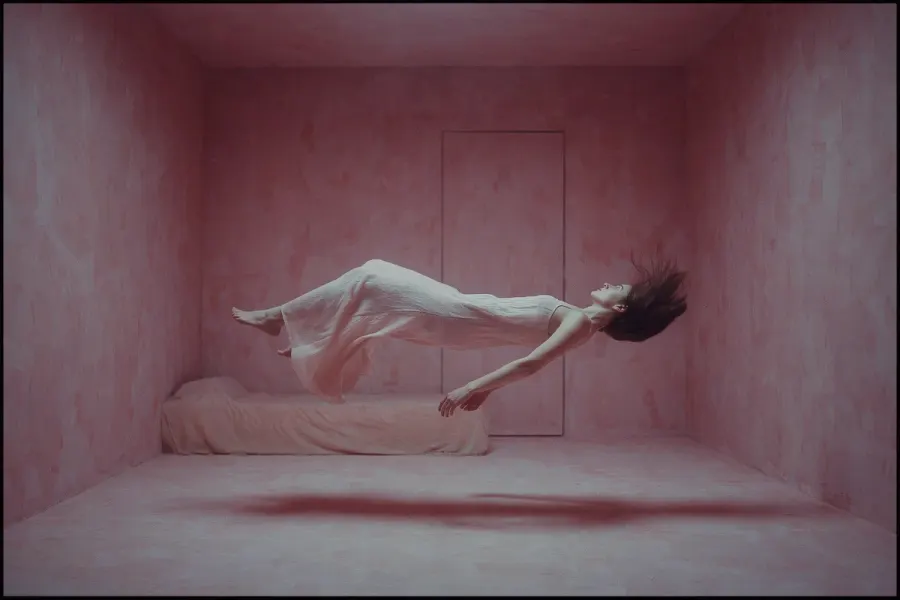
Cinematic Example 2
Name the cinematic frame, the environment scale, the light direction, and the emotional beat.
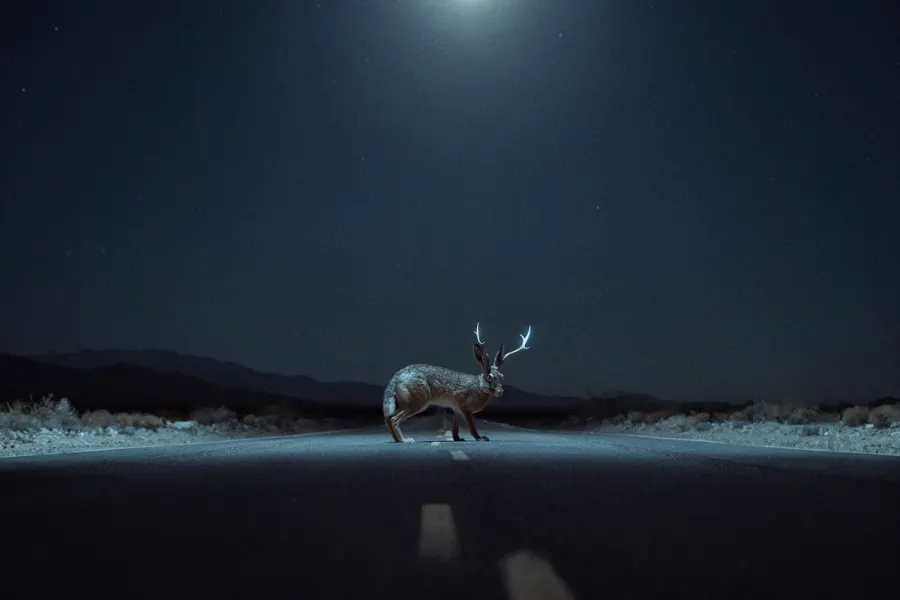
Cinematic Example 3
Name the cinematic frame, the environment scale, the light direction, and the emotional beat.
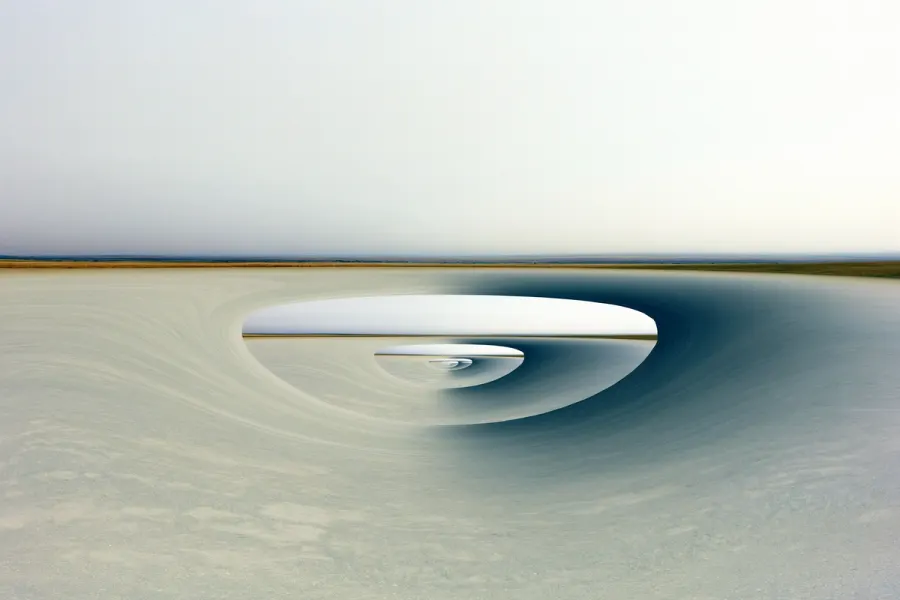
Cinematic Example 4
Name the cinematic frame, the environment scale, the light direction, and the emotional beat.
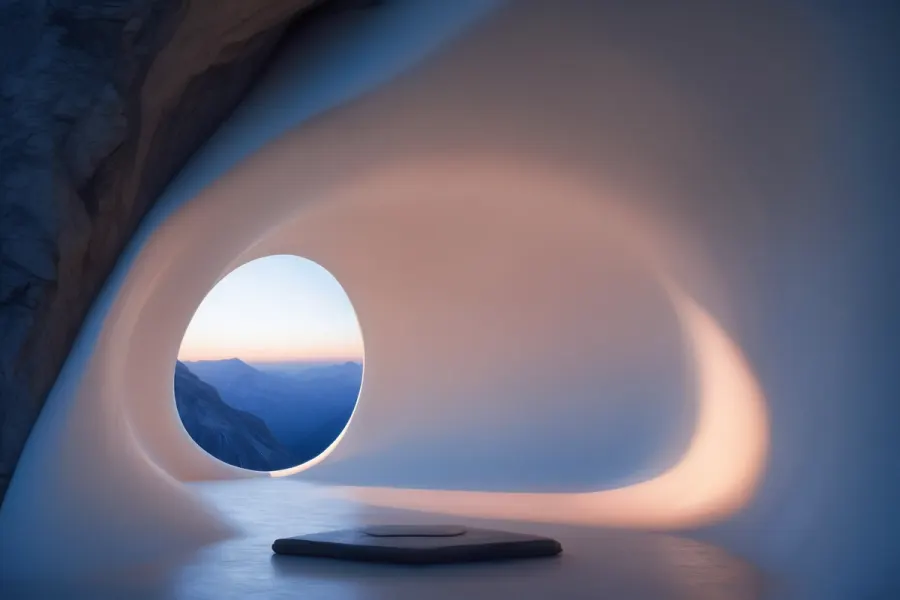
Fantasy & Concept Art Example 1
Define the world, the architecture or creature logic, the lighting system, and the concept-art finish.
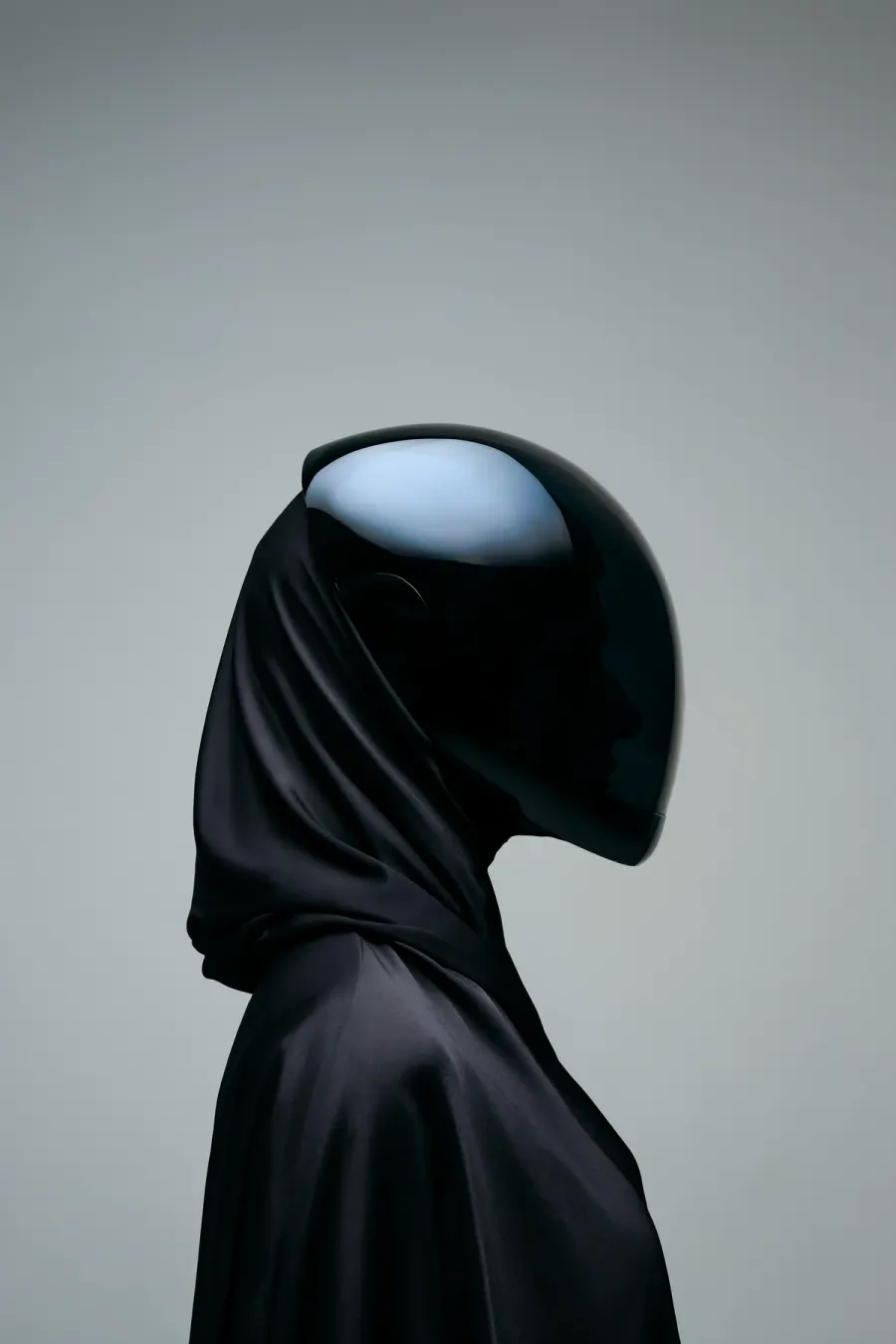
Fantasy & Concept Art Example 2
Define the world, the architecture or creature logic, the lighting system, and the concept-art finish.
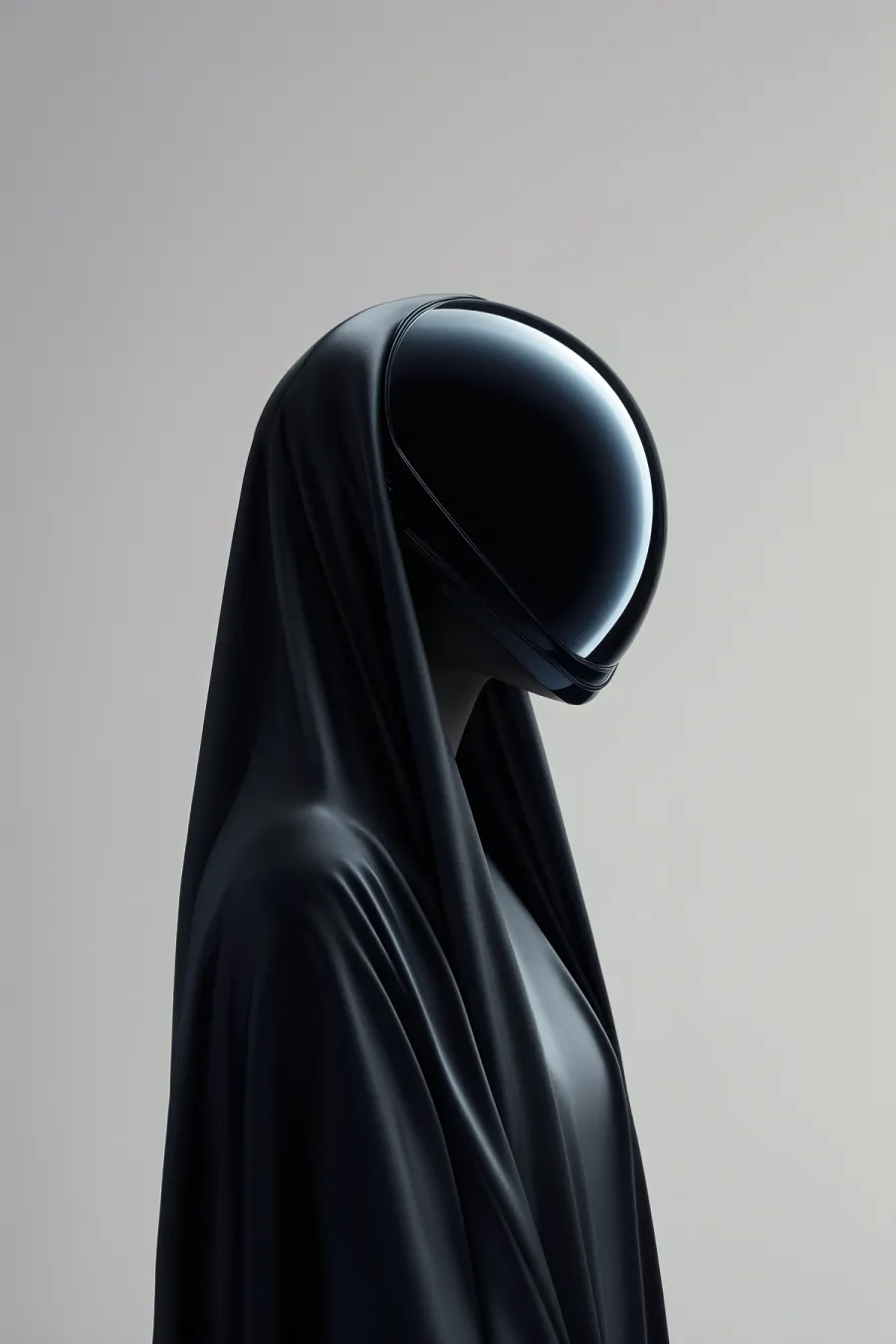
Fantasy & Concept Art Example 3
Define the world, the architecture or creature logic, the lighting system, and the concept-art finish.
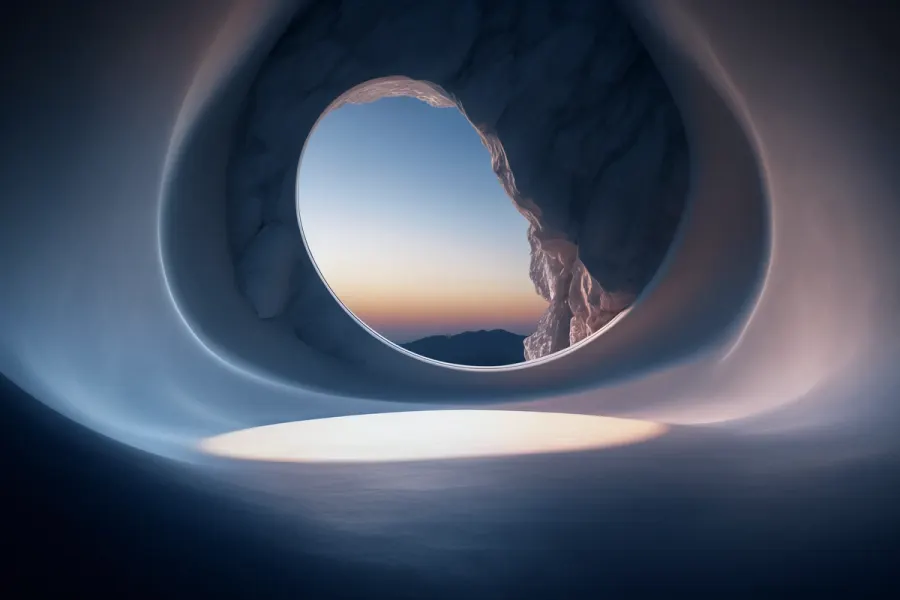
Fantasy & Concept Art Example 4
Define the world, the architecture or creature logic, the lighting system, and the concept-art finish.
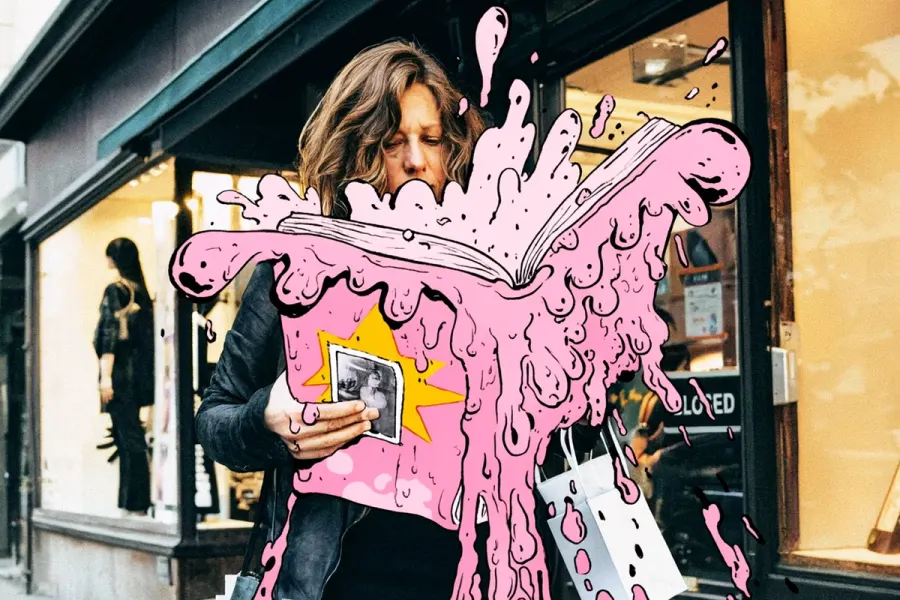
Illustration Example 1
Lock the crop, surface, drawing medium, palette, and the one detail the viewer should notice first.
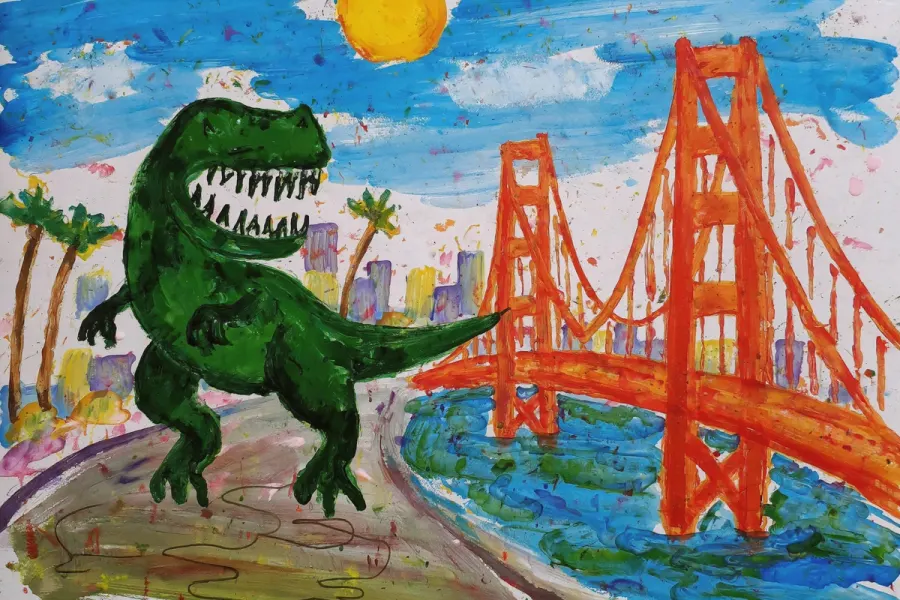
Illustration Example 2
Lock the crop, surface, drawing medium, palette, and the one detail the viewer should notice first.
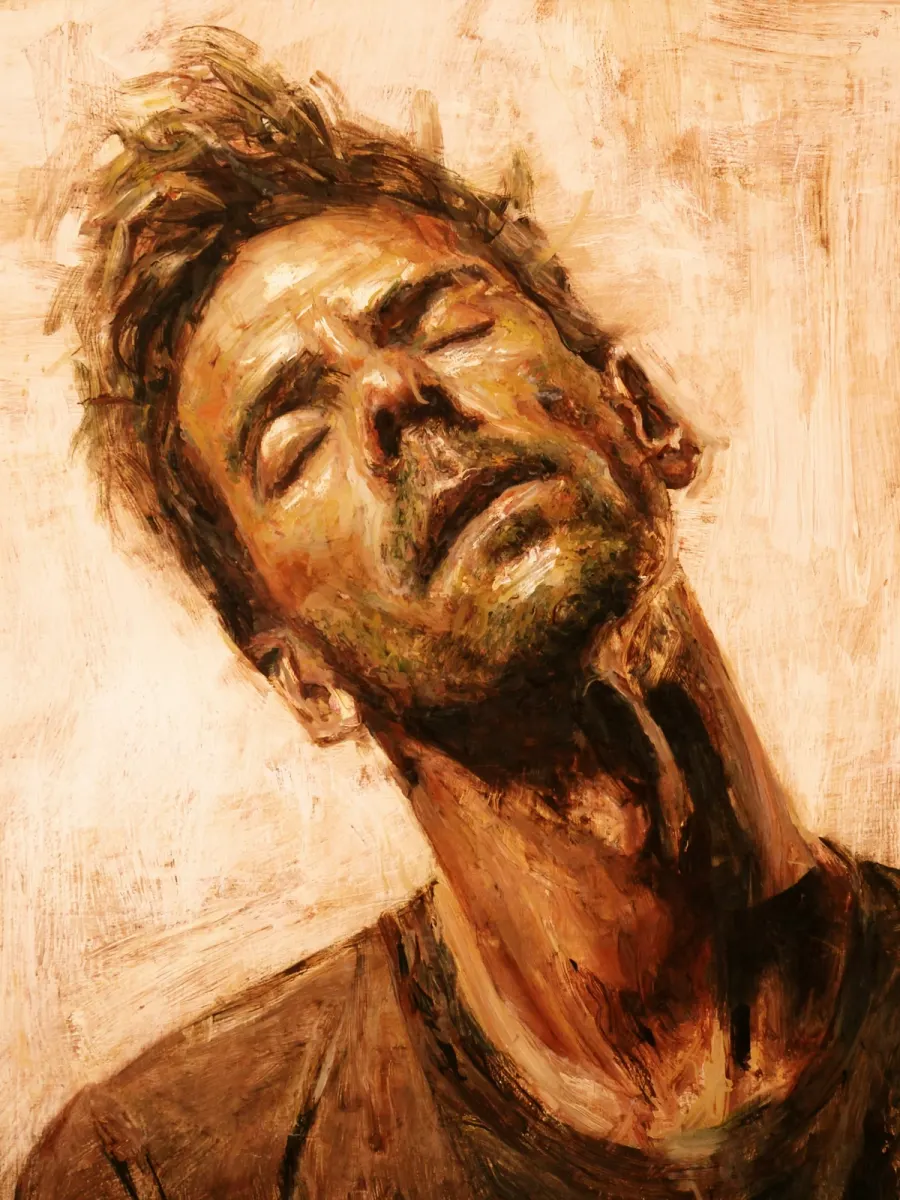
Illustration Example 3
Lock the crop, surface, drawing medium, palette, and the one detail the viewer should notice first.
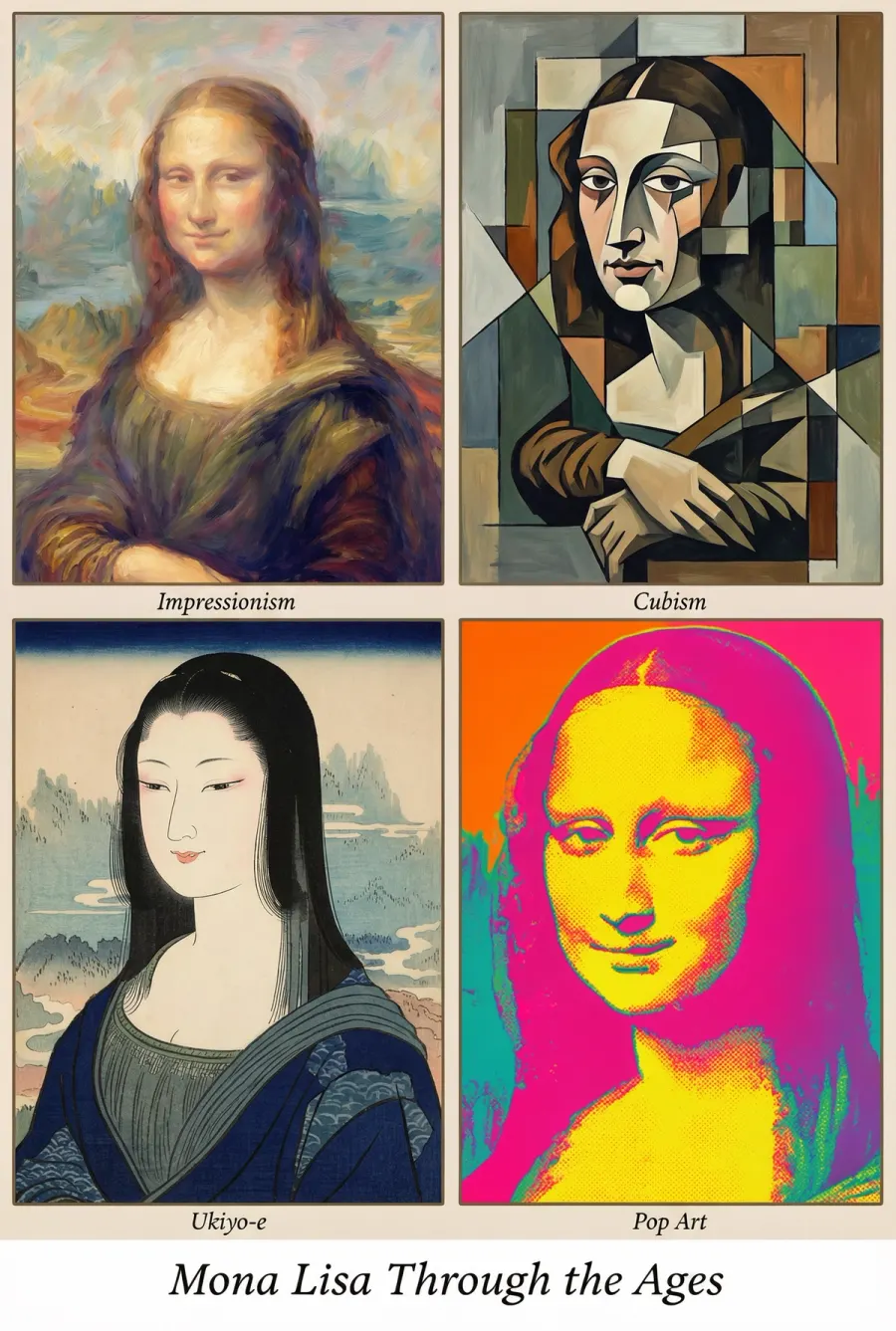
Illustration Example 4
Lock the crop, surface, drawing medium, palette, and the one detail the viewer should notice first.
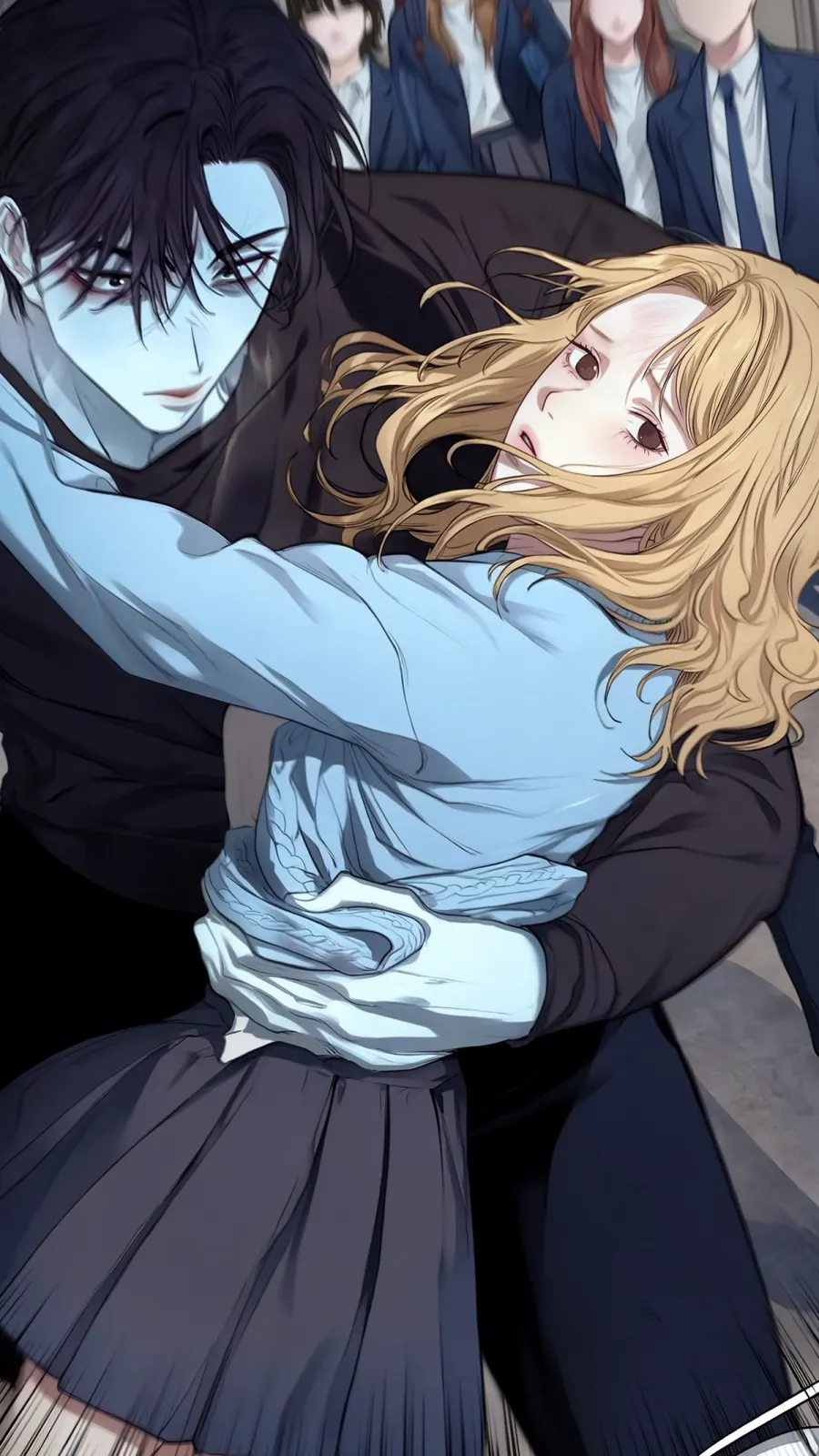
Anime & Manga Example 1
Reference the character role, shot size, emotion, scene relationship, and visual style constraints.
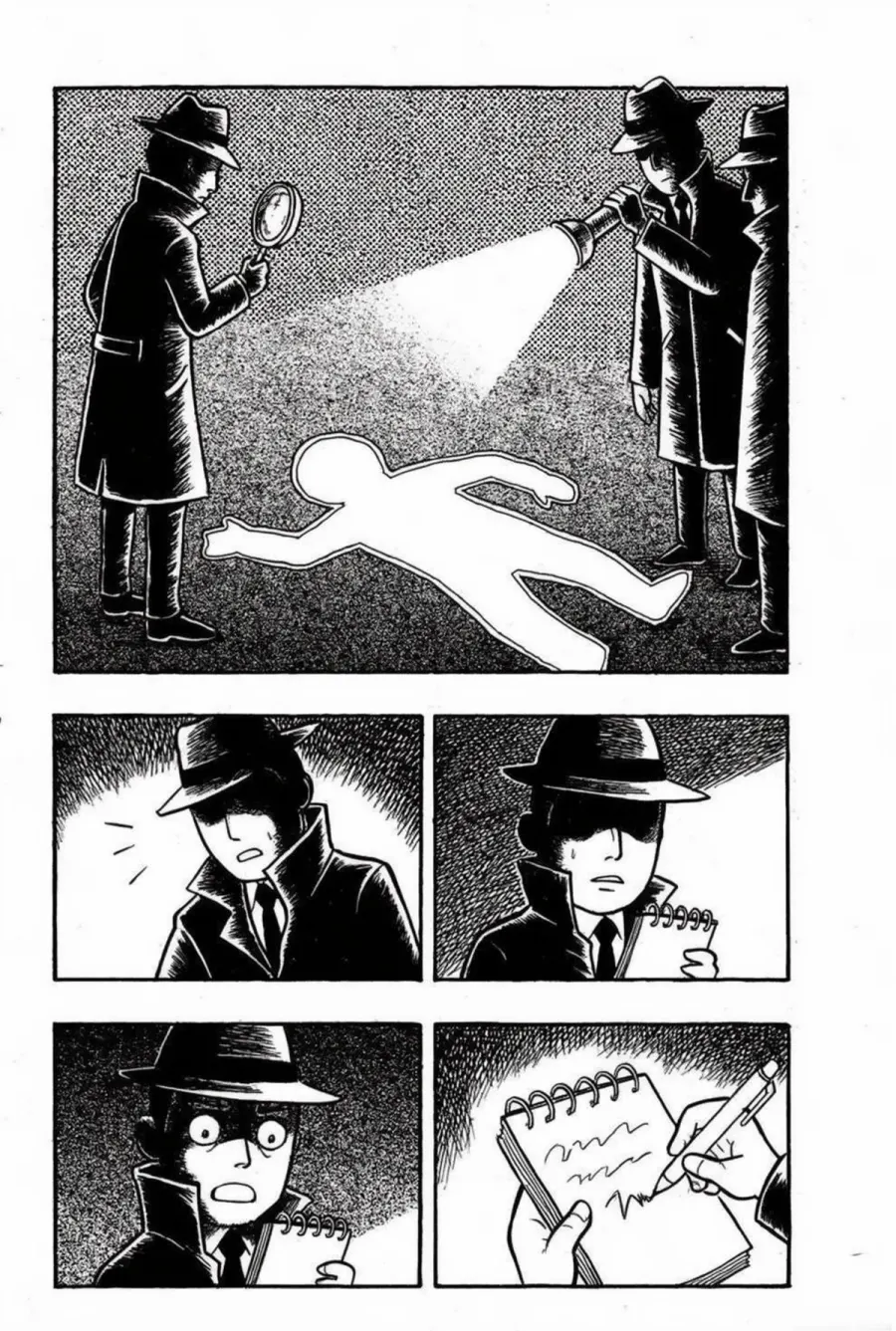
Anime & Manga Example 2
Reference the character role, shot size, emotion, scene relationship, and visual style constraints.
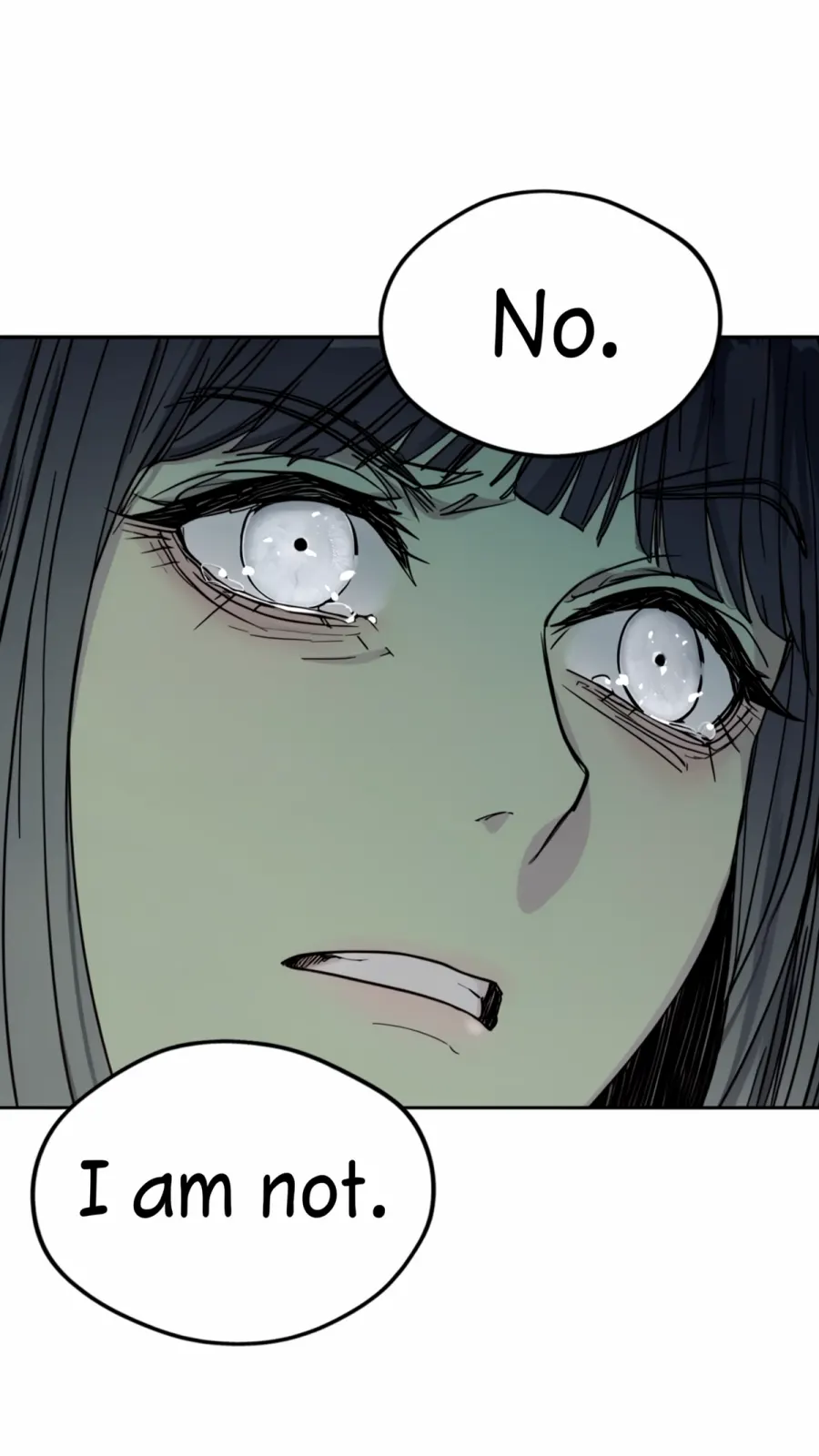
Anime & Manga Example 3
Reference the character role, shot size, emotion, scene relationship, and visual style constraints.
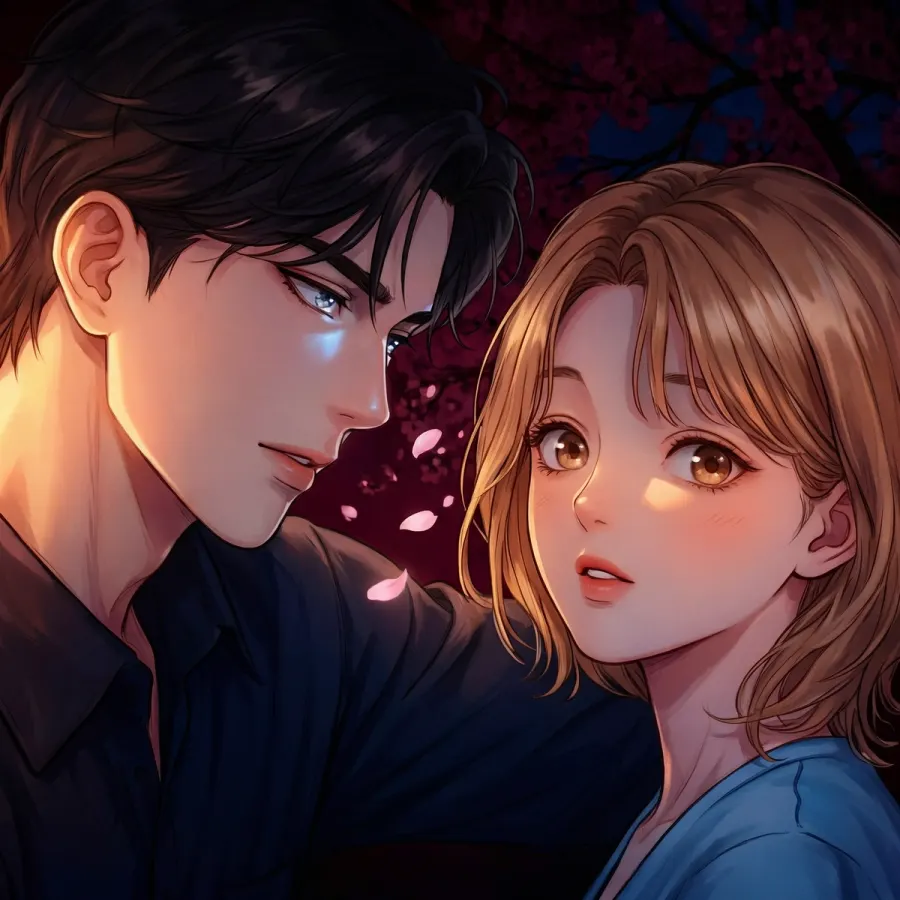
Anime & Manga Example 4
Reference the character role, shot size, emotion, scene relationship, and visual style constraints.
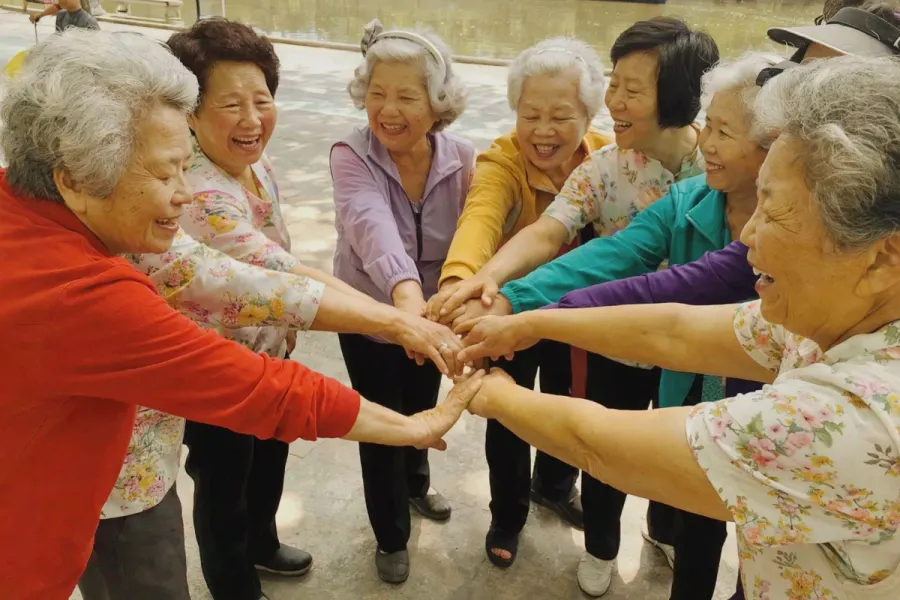
Portrait Example 1
Specify the person, facial expression, camera distance, wardrobe, location, and lighting mood.
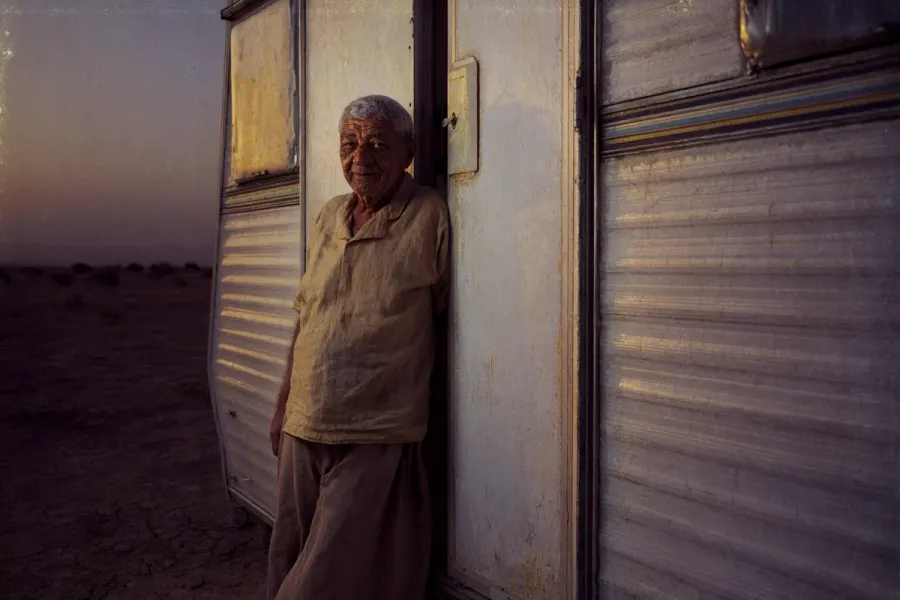
Portrait Example 2
Specify the person, facial expression, camera distance, wardrobe, location, and lighting mood.
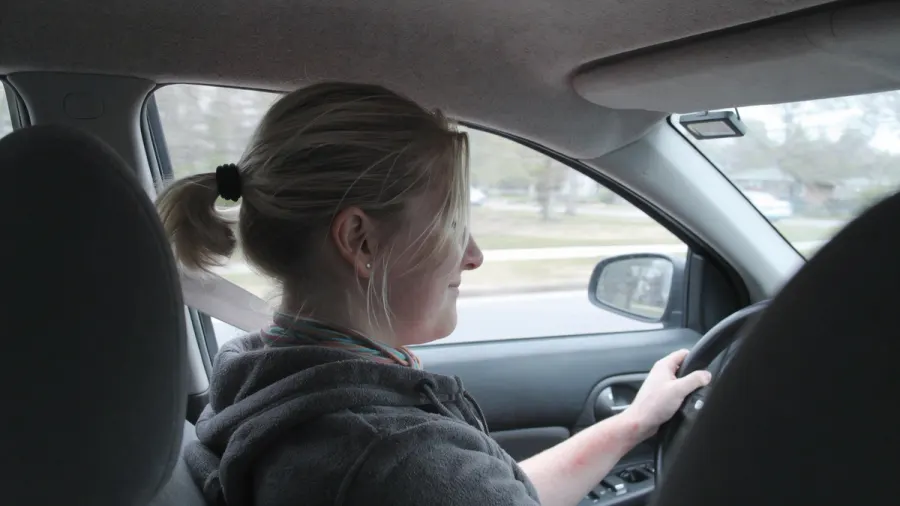
Portrait Example 3
Specify the person, facial expression, camera distance, wardrobe, location, and lighting mood.
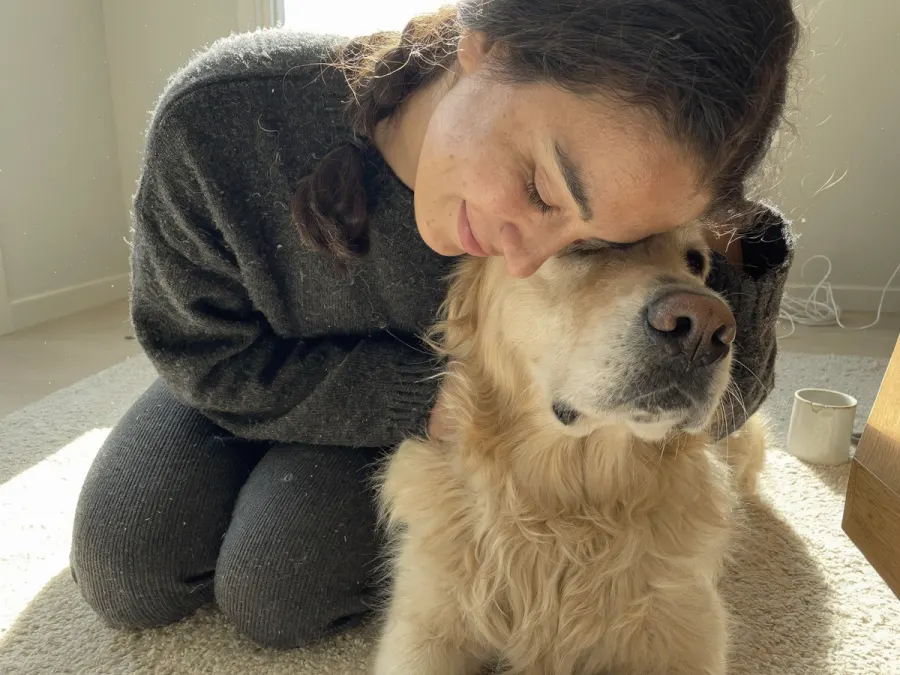
Portrait Example 4
Specify the person, facial expression, camera distance, wardrobe, location, and lighting mood.
这个 Uni-1 Prompt Guide 用来快速选提示词:先看图片风格,复制最接近的模板,再替换主体和场景。
你可以把 Uni-1 Prompt Guide 用于商品图、肖像、电影感画面、动漫图、概念图、社媒素材和改图任务,不需要从空白提示词开始。
Uni-1 Prompt Guide 里的大多数案例都遵循同一套结构:主体、场景、构图、光线、风格和约束。
在这个 Uni-1 Prompt Guide 里,先选视觉方向,复制最接近的提示词,再把方括号里的主体和场景换成你的需求。
01
从写实、电影感、概念图、插画、动漫或肖像里选择最接近你目标的方向。
02
点击卡片上的复制按钮,保留对构图、光线、媒介和约束真正有用的部分。
03
替换方括号里的主体和场景,然后打开 Uni-1.1 生成器运行。
它帮你把视觉想法拆成主体、场景、构图、光线、媒介和约束,并整理成可复制、可改写的提示词。
可以。在 Uni-1 Prompt Guide 里复制模板后,再补充上传参考图中哪些身份、商品形状、布局或 logo 位置需要保持不变。
从 Uni-1 Prompt Guide 复制一个提示词,换成你的主体和场景,然后打开 Uni-1.1 生成器创建结果。